If you are comparing Cleverific with other Shopify order editing apps, the useful question is not which one has more features. It is who you want doing the editing.
That sounds like a small distinction. It is actually the entire architectural difference between the two categories of tool in this space, and it determines whether order editing reduces your support workload or simply makes your support workload more pleasant.
This comparison is written by the team behind Account Editor, so treat the recommendation accordingly. What follows is an honest account of what Cleverific does well, where the two tools genuinely differ, and which stores should pick which. There are real cases where Cleverific is the better choice, and they are named below.
What Cleverific Actually Is
Cleverific Order Editing is a long-running Shopify app that gives merchants and CX agents a substantially richer editing workspace inside Shopify Admin than the native one. Order splitting, complex line-item changes, bulk edits, manual upsells, and notification controls — the kinds of operations native Admin either handles awkwardly or not at all.
It has a long track record and a deep feature library, and for teams that already live inside Shopify Admin it is a genuinely capable power-tool.
Where It Is Genuinely Strong
Agent-facing depth. If your CX team owns the edit queue, Cleverific gives them better tooling than they have natively.
Edge cases native Admin cannot handle. Order splitting and complex variant work are real capabilities that matter for ops-driven brands.
Maturity. Years in market and a broad feature surface.
The Structural Difference
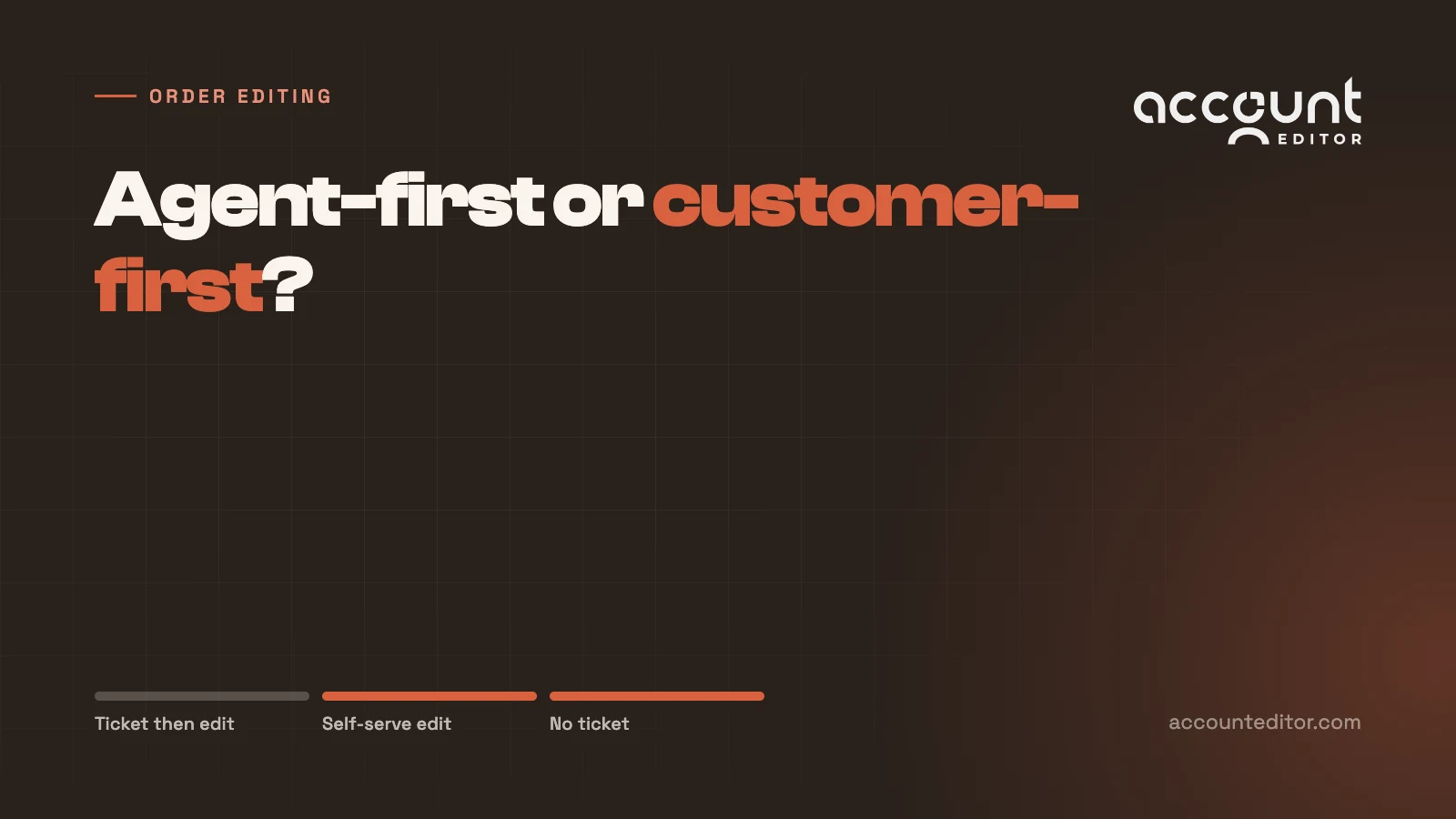
Cleverific is agent-first by design. The heavy lifting happens with a human inside Shopify Admin. The workflow is ticket-then-edit: the customer contacts you, someone picks it up, and that person makes the change with better tools than they would otherwise have.
Account Editor is customer-first. The customer makes the change themselves on the order status page, inside rules you define, and no ticket is created at all.
Both are legitimate designs. They solve different problems.
If your bottleneck is that editing orders is difficult for your team, an admin power-tool fixes it. If your bottleneck is that customers keep emailing you to change orders, a better admin tool does not fix it — it just makes each ticket faster to close. The tickets still arrive, still queue, and still scale linearly with order volume. That distinction is what manual versus self-serve editing comes down to.
Side by Side
Capability | Cleverific | Account Editor |
|---|---|---|
Who makes the edit | Staff or CX agent, in Admin | The customer, within merchant rules |
Support ticket created | Yes — the edit starts with contact | No — self-serve on the order status page |
Customer-facing widget | Not the core product | Yes, on order status and thank-you pages |
Admin editing depth | Extensive — splitting, bulk, complex swaps | Focused on customer-initiated changes |
Cancel deflection | Not a core focus | Built in, with restocking-fee logic |
Post-purchase upsells | Manual, agent-initiated | Automated, rule-targeted |
Fulfillment holds and 3PL sync | Not the primary concern | Guides for ~40 3PL, OMS and ERP platforms |
How cost scales | With agent hours | With order volume, not headcount |
On pricing: both apps price from their Shopify App Store listings and both change plans periodically, so check the current figures directly rather than trusting any comparison page — including this one. The more durable question is which cost curve you are buying. Agent-first tooling scales with the hours your team spends in the edit queue. Self-serve scales with order volume and is largely indifferent to how many edits happen.
Which One You Should Pick
Choose Cleverific If
Your CX team already owns the edit queue and you want them to be faster and more capable inside it.
You need order splitting or complex manual operations that a customer-facing widget deliberately does not expose.
Your order volume is low enough that the edit queue is not a scaling problem.
Your edits are mostly merchant-initiated — B2B corrections, wholesale adjustments, internal fixes — rather than customer requests.
Choose Account Editor If
The problem you are solving is inbound volume: customers emailing to change addresses, swap sizes, add forgotten items, or cancel.
You want edits to stop generating tickets rather than to resolve them faster.
You need fulfillment holds so edits land before your 3PL pulls the order.
You want cancel deflection and post-purchase upsells in the same flow as the edit.
Your order volume is growing faster than your CX headcount.
Both Is Also a Real Answer
These tools are not mutually exclusive, and some ops-heavy brands run both: self-serve for the high-volume, predictable changes customers can safely make themselves, and an admin power-tool for the complex exceptions that reach an agent anyway. If you have genuine splitting requirements and a heavy inbound edit volume, that combination is more sensible than forcing one tool to do both jobs.
If You Are Switching
Moving from agent-first to customer-first is less a migration than a change in operating model. Three things matter.
Decide your rules before you switch anything on. The whole premise of self-serve is that customers act inside boundaries you set: which items are editable, for how long, and what happens to payment when the total changes. Work that out first. Bundles, subscription items, and limited stock usually need restricting.
Set the edit window against real fulfillment timing. Export recent orders and measure the actual gap between order creation and first fulfillment event. That gap, not a benchmark, is your window — and it needs a matching fulfillment hold or the warehouse will pick orders mid-edit.
Expect your ticket mix to change shape, not just shrink. Routine address and variant changes largely disappear. What remains is the genuinely complex minority — which is the work your team should have been doing all along.
Conclusion: Pick Based on the Bottleneck
Feature-by-feature comparisons in this category tend to mislead, because the two tools are not really competing on features. They are competing on a premise.
Cleverific's premise is that order edits are staff work, and staff deserve better tools. That is true, and for some stores it is the whole problem. Account Editor's premise is that most order edits are not staff work at all — they are customer corrections that were routed through staff because there was nowhere else for them to go.
Identify which of those describes your queue and the decision makes itself. If you are unsure, count what fraction of your edit tickets are things a customer could safely have done themselves within clear rules. For most stores the answer is uncomfortable, and it is the answer to the tooling question too.
See the Self-Serve Version
If most of your edit queue is customers asking for changes they could make themselves, the fix is a different operating model rather than faster tooling.
Account Editor gives customers rule-bound self-serve editing on the order status page — address changes with validation, variant swaps, added items, and cancel deflection — with fulfillment holds that keep your warehouse in step. There is a free plan, so you can measure the deflection on your own order volume before committing.
Try Account Editor free on the Shopify App Store.
For a wider view, our alternatives page covers native Shopify editing, OrderEditing.com, Revize and others with the same intent.