A shopper clicks "Pay now". Thirty seconds later, they realize the address has a typo, or they picked the wrong size, or they forgot a gift note. Their next move is to hunt for your email address.
That small moment is where many support tickets begin. The change itself is tiny. The problem is that the shopper has already paid, the order is already in your system, and the clock is running toward the warehouse pick.
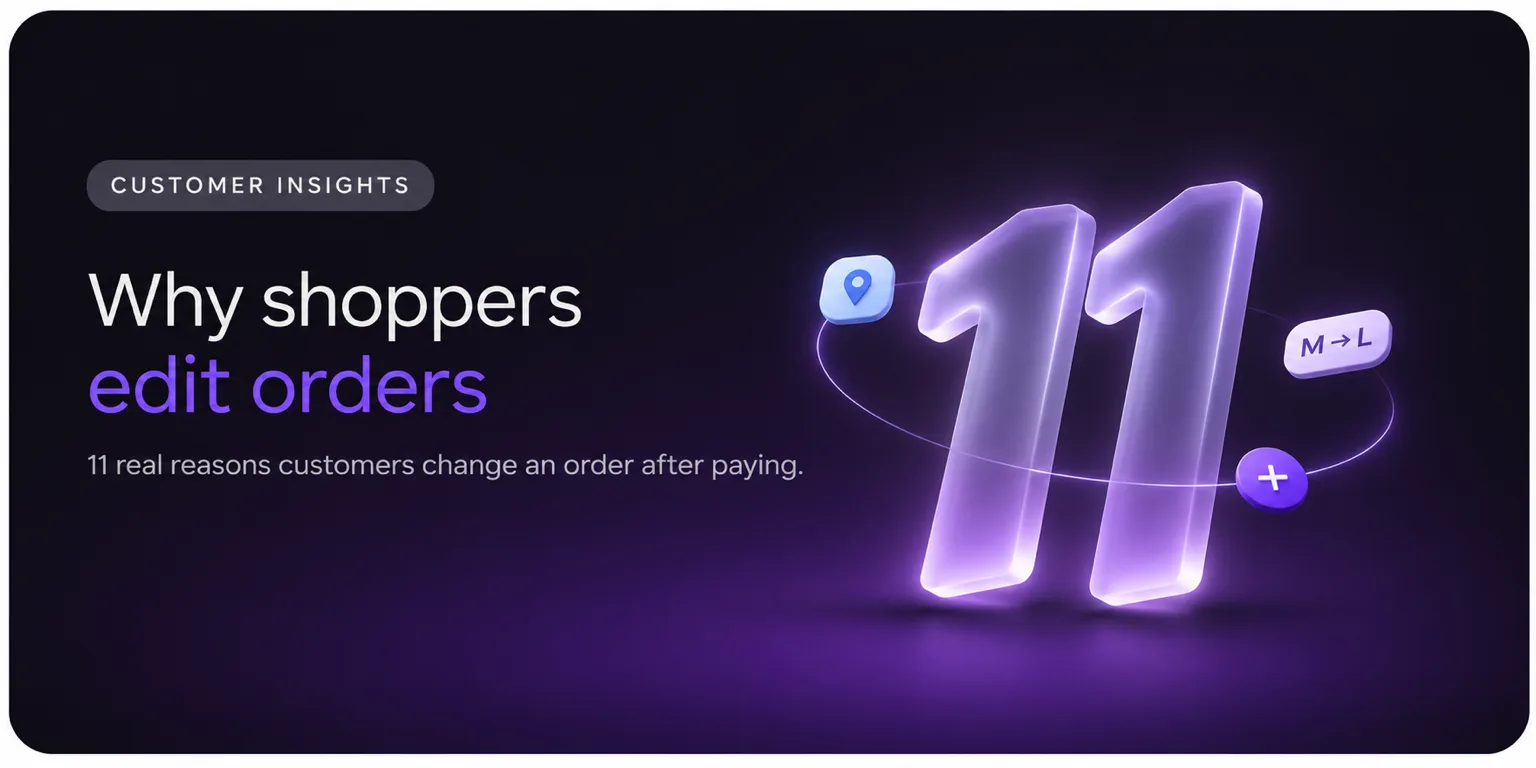
This guide covers the 11 most common reasons consumers want to change an order after buying. Each one explains what is going on in the shopper's head and what it means for your store. Hard numbers on this topic are thin, so where there is no solid figure, we say so instead of guessing.
Why People Change Orders After They Pay
Checkout moves fast. Shoppers are on phones, between meetings, or comparing tabs. Baymard Institute's research puts the average cart abandonment rate at 70.22%, so most carts never reach payment. The people who do finish are often in a hurry to be done.
Then the "after" feeling kicks in. They see the confirmation page, read the details and spot what they missed. A 2022 Slickdeals survey of 2,000 US adults found 74% had felt buyer's remorse after shopping online. A deals company commissioned it, so treat it as a rough signal. Still, it matches what store owners see: the confirmation page is when second thoughts show up.
No public dataset ranks these reasons, so the order below groups them by theme (mistakes first, then changes of plan) and is not a measured ranking.
1. They Made a Typo in the Shipping Address
This is the classic. A missing apartment number, a swapped digit in a zip code, or an autofill that grabbed an old address.
Autofill is a quiet cause. Browsers fill in the last address a shopper used, and shoppers don't always check it. They notice on the confirmation page, when the street name looks wrong.
What it means for you: An address error is the most expensive small mistake. Loqate's research put failed deliveries at about 8% of US orders, at roughly $17 per failed order. That data is from 2021, so it is dated. On top of that, carriers charge the sender for corrections, and FedEx's US address correction fee rose to $25.50 in January 2026. Fixing the address before the label prints is far cheaper.
2. Their Plans Changed, and So Did the Delivery Address
Not all address changes are typos. The shopper may be traveling and now wants the parcel at a friend's place. They may have moved. They may have realized nobody is home on weekdays and want it sent to work.
What it means for you: These requests are valid, and they are time-sensitive for the same reason as typos. A shopper who can't update the address may cancel and reorder, or leave a parcel to sit at a door for days.
3. They Picked the Wrong Size, Color or Variant
Product pages with many options cause a lot of misclicks. Someone orders a medium and then remembers the brand runs large. Someone picks black and sees the navy looks better in a review photo.
What it means for you: Fit is a well-known driver of returns in apparel. A swap before shipping is much cheaper than a return after it. There are no return labels, no restocking and no second parcel.
4. They Typed the Wrong Quantity
Ordering one when they meant three. Or ordering two and realizing they only need one. Quantity errors usually come from a stray tap on a phone.
What it means for you: These are quick for a shopper to fix and annoying for you to handle by hand. They also change the order total, which means a refund or an extra payment.
5. They Forgot to Add Something
"I should have added the matching cap." "I forgot the refill pack." This is the "one more thing" moment, and it usually arrives within minutes of paying.
What it means for you: This is a chance to earn more. The shopper already wants more of your products, and wants it shipped together to avoid a second shipping fee. If they can't add the item, they may place a separate order and pay shipping twice, which they remember.
6. They Ordered Something by Mistake
Duplicate items in the cart, a double tap on "Place order", or a product bought on autopilot at 11 p.m. Sometimes the mistake is a whole order, such as a gift ordered twice.
What it means for you: These shoppers want a quick removal or a cancellation. If the only path is email, they wait for a reply while the order moves toward fulfillment.
7. They Changed Their Mind (Buyer's Remorse)
The price feels high now. They found a similar product. A partner said "do we need that?" The Slickdeals survey above found the top regret was that the item "seemed worth less than the price" (39%).
What it means for you: A cancellation request is not always a lost sale. Some shoppers cancel because of one concern, such as the total, the delivery date or a variant. Offering a fix, such as swapping the item, a discount or free shipping, can turn a cancellation into a kept order. We cover this in more detail in why customers cancel orders.
8. The Shipping Cost or Speed Surprised Them
Shipping cost and speed are two of the biggest reasons shoppers abandon checkout. Baymard's study found 40% of shoppers who abandon cite extra costs too high, and 20% cite slow delivery. Digital Commerce 360's 2025 survey found 13.0% left because there was no guaranteed or estimated delivery date.
Shoppers who got past checkout may still feel this. They realize the delivery date doesn't work for an event, or that a faster option costs only a few dollars more.
What it means for you: A shipping method change is a real request that many stores can't handle by hand once the order is picked. Letting shoppers upgrade the shipping method (and pay the difference) before pick can earn a little extra and avoid a late delivery complaint. See our guide on changing the shipping method on Shopify orders.
9. They Forgot a Discount Code or Found a Better Price
"The welcome code is in my email!" is a very common thought, and it often arrives one minute after paying. Another version: the shopper sees a lower price on another site and wants a price match.
What it means for you: Shopify's order editor lets staff apply manual discounts, but discount codes can't be added, edited or removed on an existing order. So these requests need a person to apply a manual discount, or a different tool.
10. They Typed the Wrong Email or Phone Number
This one is easy to miss, because the shopper often doesn't know. They only find out when no confirmation email arrives. Then they write to ask where the order is.
What it means for you: A wrong email breaks every later message, including the tracking link. Flowspace and USC researchers report that over 80% of shoppers expect regular updates on their order's status. A shopper who gets nothing assumes something went wrong. Fixing contact details early protects the whole post-purchase experience.
11. They Want to Add a Gift Message or Delivery Note
Gift buyers think of it late: "Can you add a note?", "Can you leave off the price?", "Leave it with the neighbor", "Gate code is 4521."
What it means for you: These are tiny requests with a big feel. A gift that arrives without the message the buyer wrote in their head is a bad moment. Delivery notes also cut failed deliveries.
What These 11 Reasons Have in Common
Look at the list again. Nearly every item is one of two things:
A mistake the shopper just noticed (typo, size, quantity, email, forgotten code).
A small change in what they want (a new address, one more item, faster shipping, a gift note).
Almost none are "I hate this store". That matters, because the way you handle the request shapes how the shopper feels about you.
Reason | Type | Time-sensitive? | Cost if missed |
|---|---|---|---|
Address typo | Mistake | Very | Failed delivery, correction fee, reship |
Address change | New plan | Very | Same as above |
Wrong size or variant | Mistake | Yes | Return or exchange |
Wrong quantity | Mistake | Yes | Refund or reship |
Forgot an item | New plan | Yes | Second order, second shipping fee |
Ordered by mistake | Mistake | Very | Cancellation, refund |
Changed their mind | New plan | Very | Lost sale |
Shipping cost or speed | New plan | Yes | Late-delivery complaint |
Discount code or price | Mistake | Moderate | Unhappy customer |
Wrong email or phone | Mistake | Moderate | Missed updates, "where is my order?" tickets |
Gift message or note | New plan | Moderate | Disappointed buyer |
Why You Usually Hear About It by Email
On Shopify, the built-in order editor is for staff. Shopify's help pages describe it as a tool for you to add or remove products, adjust quantities, update shipping fees and apply manual discounts. A shopper has no way to open it.
So the shopper writes to you, you find the order, you make the change, you check the payment impact and you reply. Done well, it takes minutes of your team's time. Done at 9 p.m. on a Friday, it can miss the cutoff.
Shopify's editor also has limits. Orders with fulfilled items can't be edited, orders with local delivery can't be edited, and imported orders can't be edited. Knowing these limits upfront saves awkward replies.
What You Can Do About It
You have three choices, and they build on each other.
Tell shoppers how long they have. Put the edit deadline in your confirmation email: "You can change this order until 2 p.m. tomorrow." This alone stops many "am I too late?" emails.
Make changes quickly by hand. Set an email alias for order changes and a macro for the common ones. This works at low volume.
Let shoppers fix it themselves. An order editing app puts the editor in the shopper's hands, inside rules you set. Account Editor, for example, lets shoppers change contact info, shipping address, variant, quantity and add-ons from the order status page, and you decide what stays editable until pick, pack or ship.
If you are weighing the app route, our guide to Shopify order editing apps walks through what to look for.
Final Thoughts
People don't edit orders because they are fickle. They edit because they are human: they type fast, change plans and think of things late. The reasons above are normal, and the cost of each one depends on whether the shopper can fix it before your warehouse picks the order.
Start by reading your last 30 days of "can I change my order?" emails and sorting them into these 11 reasons. You'll see quickly which ones matter most for your store.
Let shoppers fix small mistakes themselves Give shoppers a countdown and a way to correct their address, size or quantity before the warehouse picks. Try it with a 14-day free trial.