
Post-purchase, covered end-to-end.
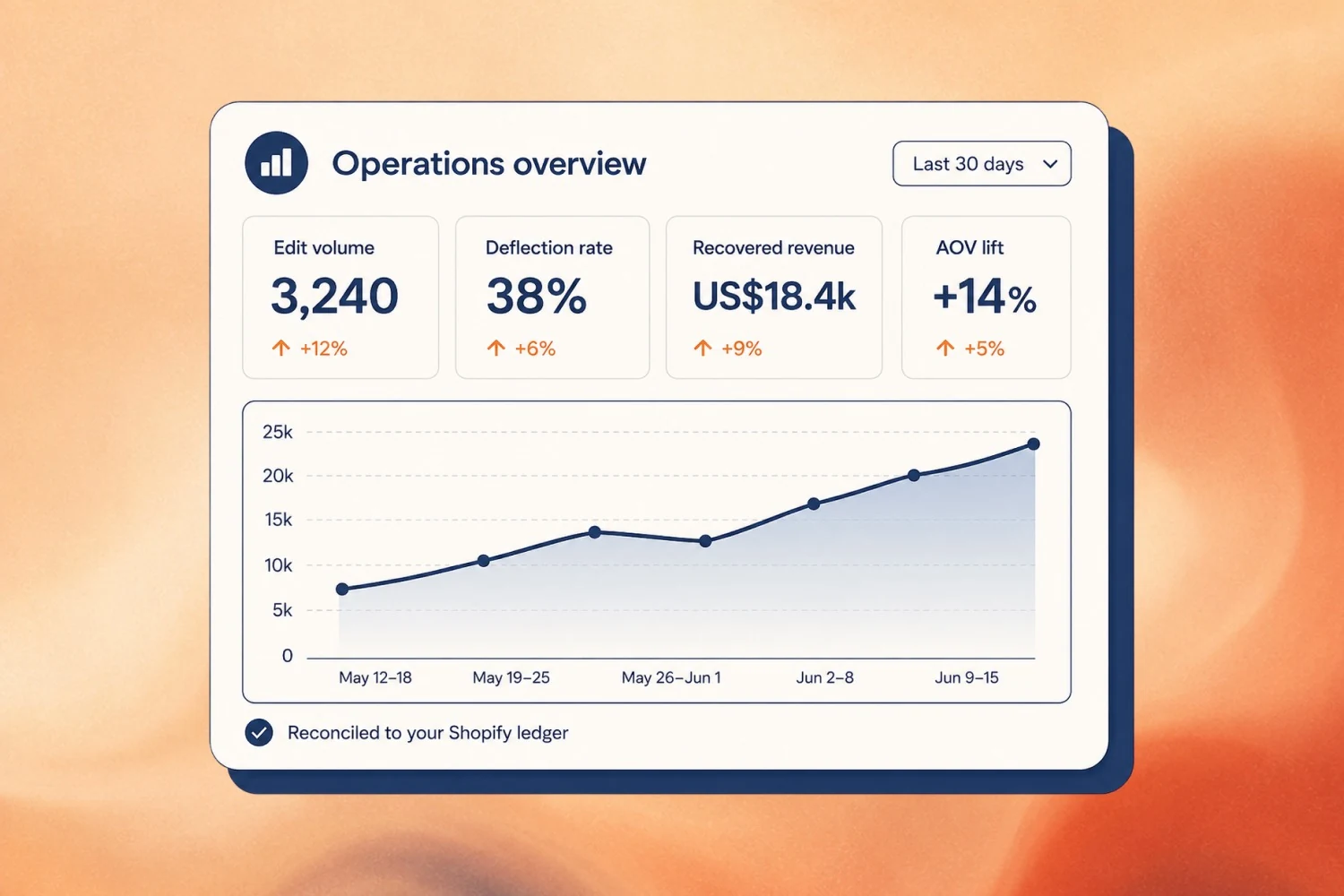
Every workflow your CX, ops, and growth teams need to deflect tickets, save cancels, and lift AOV — shipped in one Shopify-native app.
Featured customer quote

"We have used Account Editor for 7 months now and are very happy with the functionality."
Features FAQ
Common questions about how it works.
- 01Can customers edit orders themselves?
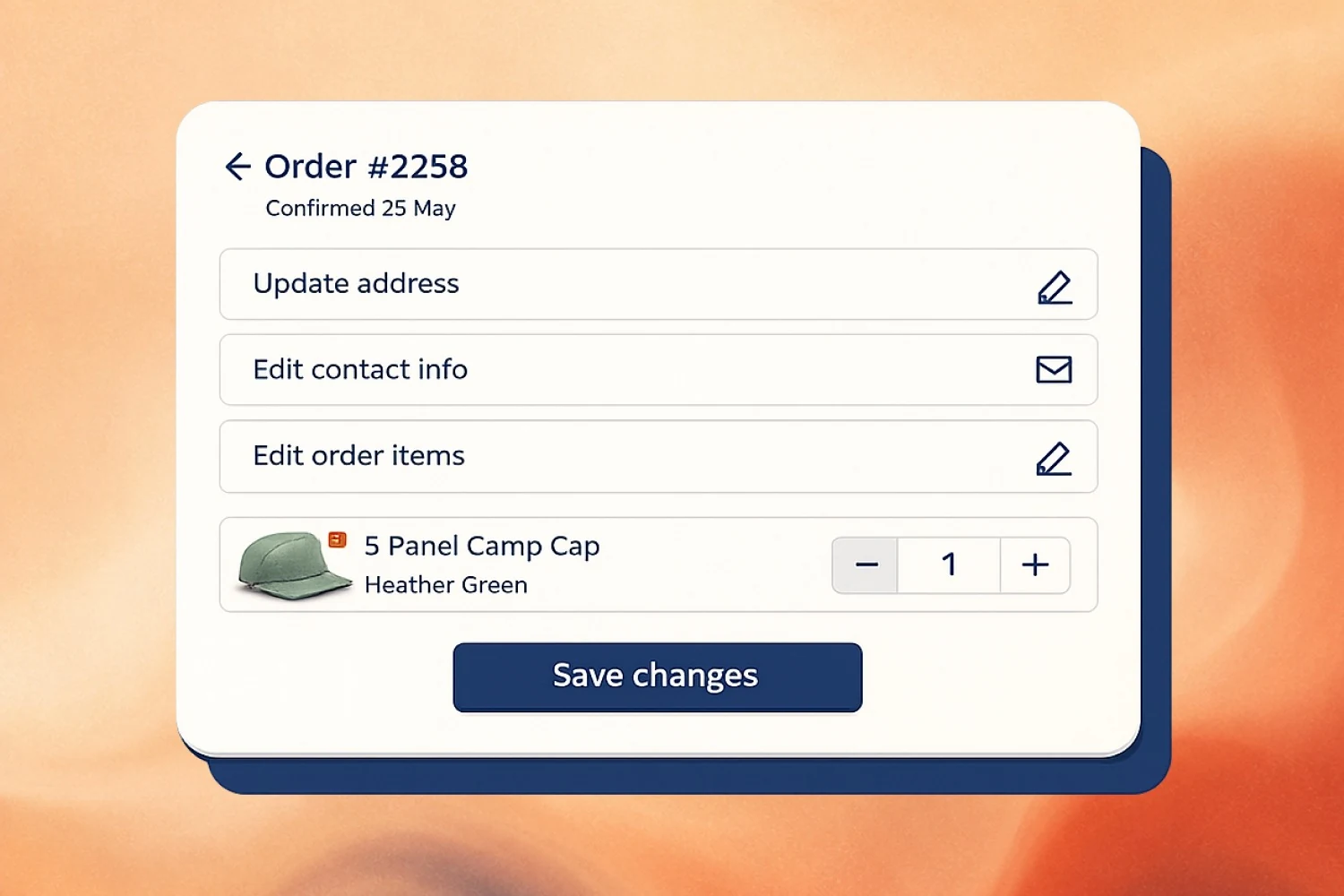
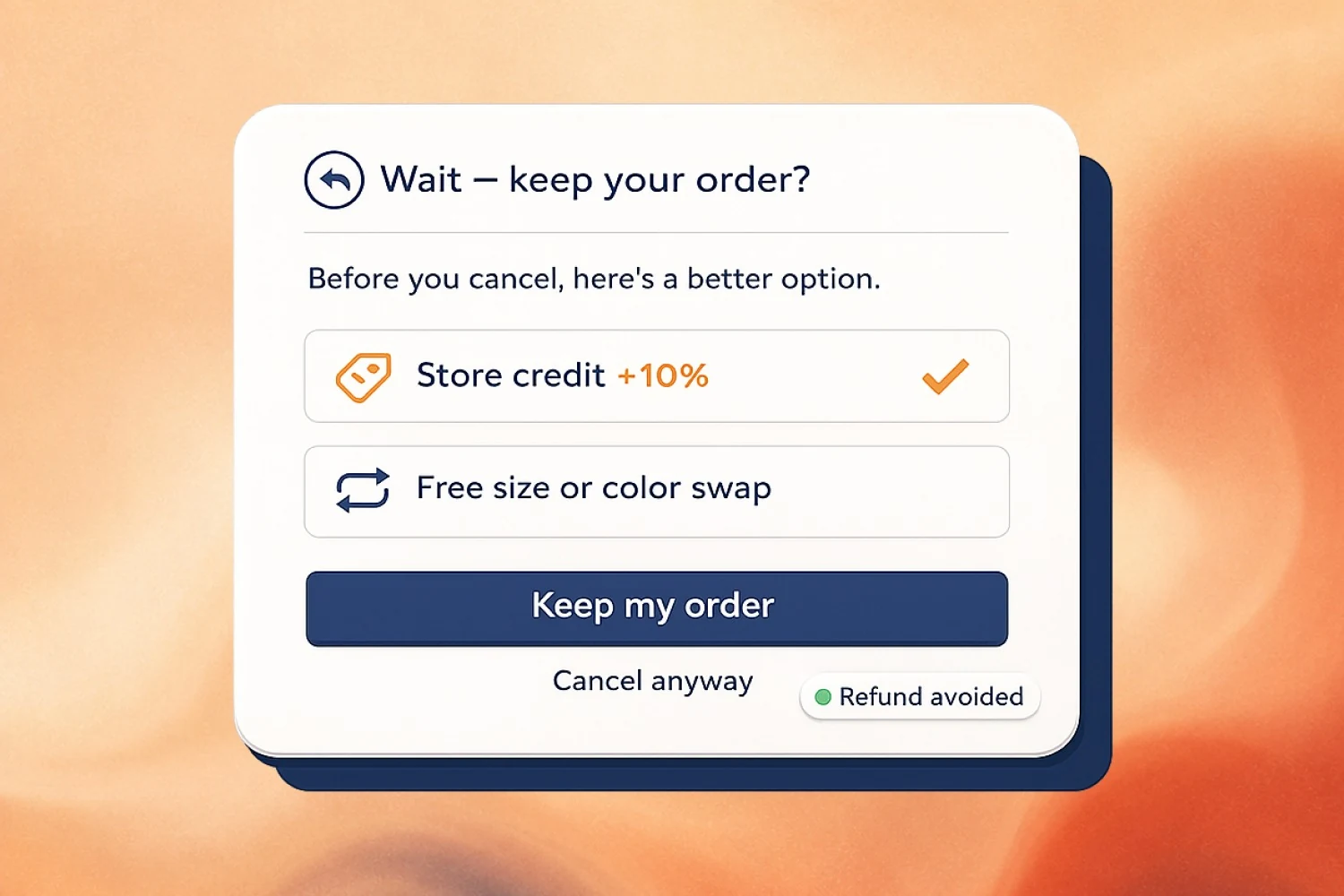
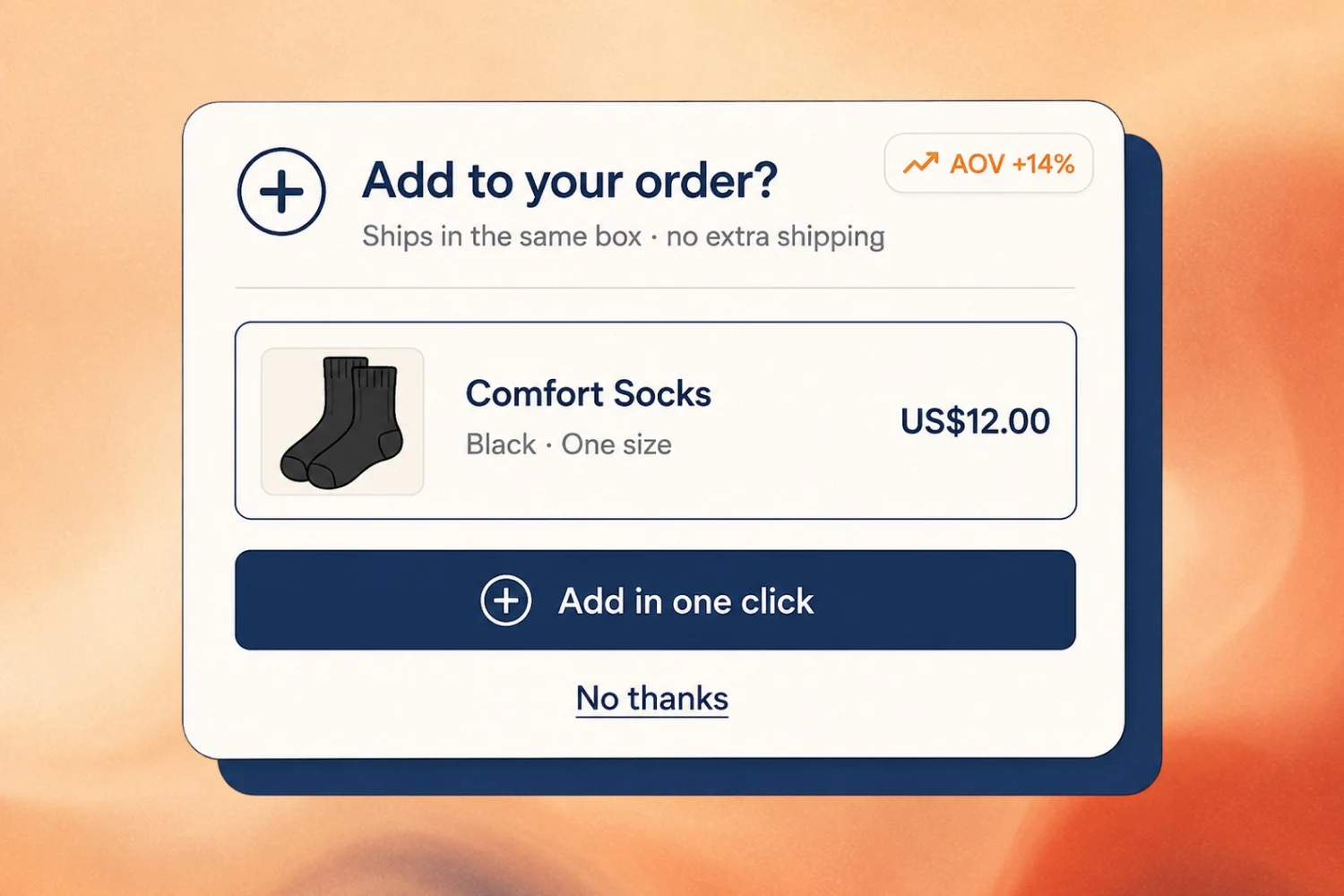
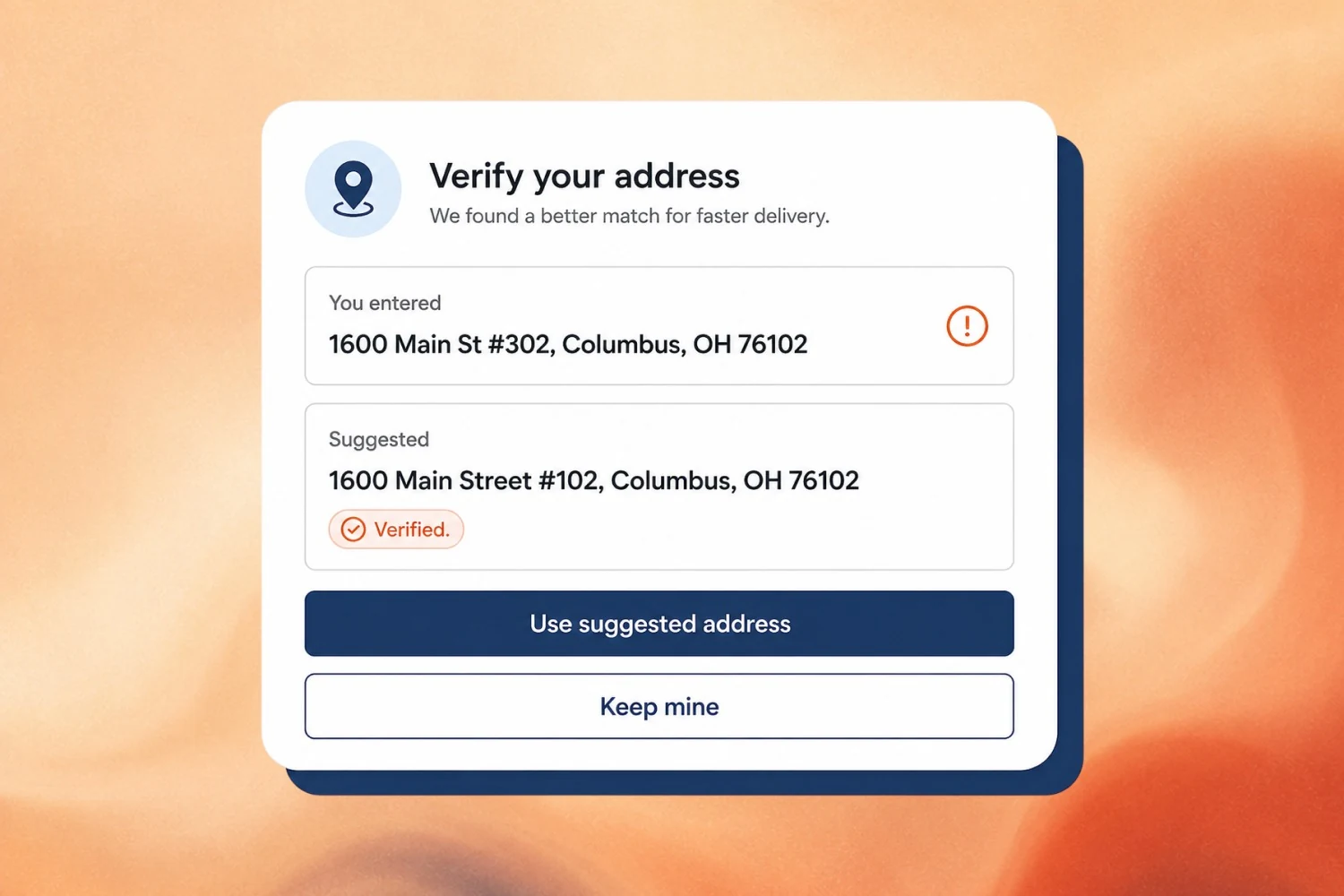
Yes — that's the entire point of Account Editor. Shoppers update their shipping address, swap variants, change quantities, add items, or cancel an order directly from the Thank You page or Order Status page. No emails, no tickets, no admin work for your team.
- 02Does Account Editor work with my 3PL or fulfillment platform?
Yes. We auto-detect ShipStation, ShipBob, ShipHero, Brightpearl, CartRover, and direct-to-Shopify fulfillment. Every edit is mirrored to your 3PL within seconds and the audit log shows the round-trip — so picks never go out against stale data.
- 03How long is the edit window?
You decide. Set a global edit window (e.g. 60 minutes) or configure per-product, per-collection, per-tag, or per-warehouse rules. Same-day fulfillment items can lock in 30 minutes; pre-orders can stay editable for weeks.
- 04Does it integrate with Klaviyo, Gorgias, and other apps?
Yes. Because Account Editor writes edits natively into Shopify Orders, every app reading Shopify order data — Klaviyo, Gorgias, ShipStation, Brightpearl, Triple Whale — sees the corrected order automatically. We're tested with the top 50 Shopify apps.
- 05What happens if a customer tries to edit after fulfillment starts?
The edit window auto-locks at your carrier cutoff. Customers see a "this order has shipped" message with a clear route to support, so an edit can never collide with a picked or shipped order.
Ready to ship post-purchase?
Most stores complete install in under 10 minutes. Free on Shopify until your first edit.