ClickPost is a logistics automation company with more than 600 brands on its platform, and it sells a long list of shipping products: multi-carrier integrations, branded tracking, returns and exchanges, and failed delivery management. Its Shopify order editing app, CP: Order Editing & Upsell, is one product in that suite. The app lets customers change addresses, variants and quantities, add products, apply a discount or cancel, and it starts free for stores up to 500 orders a month.
The Shopify listing is strong for a 2025 launch: 5.0 from 73 reviews, a Built for Shopify badge, Google address validation on every tier and connections to more than 80 WMS and 3PL systems. The reasons to look elsewhere are specific. The app is one product among many for ClickPost, and its review base is smaller than the largest editing-specific apps. The pieces that make a post-purchase program work, such as retention offers at cancellation and upsell testing, also get less space in its public documentation.
This guide compares seven alternatives for merchants who want a dedicated post-purchase vendor. It explains what ClickPost's app covers, compares what each alternative adds, shows the monthly cost at five order volumes and sets out how to decide between a logistics-first and a post-purchase-first vendor. All facts come from each app's own Shopify listing, website or documentation, checked in October 2026.
What ClickPost's Order Editing App Is
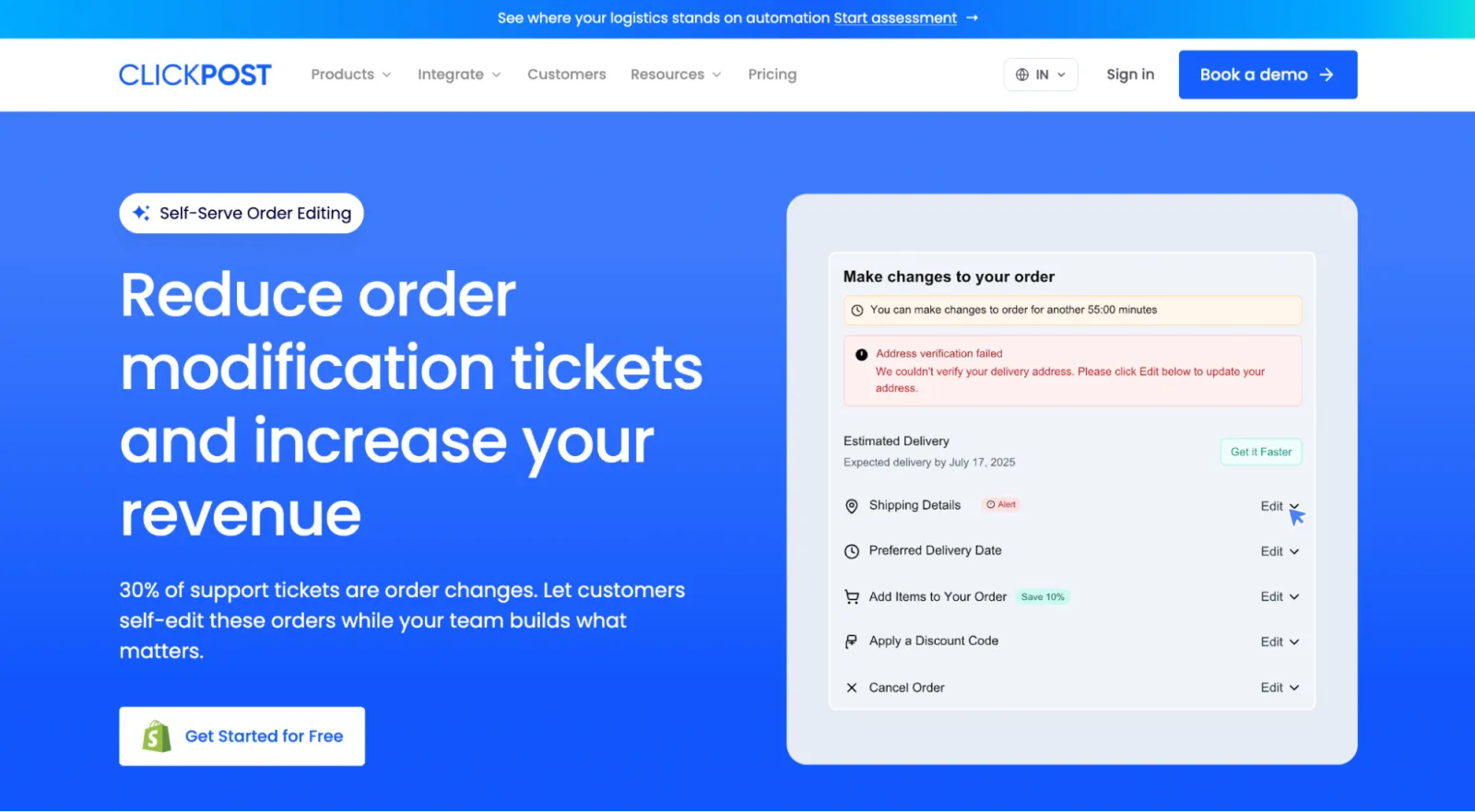
ClickPost describes itself as an end-to-end logistics automation platform. Its site lists order editing under "D2C Shipping," next to multi-carrier shipping (600+ carriers according to the page, 700+ according to its navigation), branded tracking, returns and exchanges, failed delivery management and delivery date estimates. The order editing pitch is that shoppers fix their own orders in Shopify before dispatch.
The app itself is listed on Shopify as a standalone install with four pricing tiers. Stores up to 500 orders a month are free, with 25 edits and $1 for each additional edit. From $49 a month (500 to 5,000 orders) editing is unlimited, with 24/7 live chat. The $129 tier (5,000 to 15,000 orders) adds Slack and priority support, and the $199 tier (15,000 and up) adds a success manager. Every tier includes all features, a customizable edit window, post-purchase upsells and Google address validation, and custom 3PL or WMS integration begins at $49.
ClickPost's landing page says edit windows run from 30 minutes to "Until Fulfilled," with daily time limits for cutoff hours and fulfillment holds. It names Shopify, Magento, Klaviyo, Attentive, ShipStation, ShipBob, ShipHero and Stripe among its integrations. The trial length is inconsistent between ClickPost's pages: the landing page says 30 days on paid plans, and the Shopify listing says 14, so check the checkout screen before you rely on either.
Several claims on ClickPost's pages come without a source. The order editing page says 30% of support tickets are order changes and cites no study. It also claims 5% more revenue and up to 30% lower support cost without a case study. Review counts differ too: the Shopify listing shows 73, a ClickPost blog post says 19 and its site says 52 five-star reviews. Use the live listing and treat vendor claims as claims.
Why Merchants Look for a ClickPost Order Editing Alternative
A smaller review base for editing. The listing shows 73 reviews, compared with 262 for Account Editor and 346 for OrderEditing.com. A larger base is more evidence about support quality and edge cases.
Order editing is one product among many. A logistics vendor spreads its roadmap across carriers, tracking, returns and delivery failure, and merchants who only need post-purchase tooling prefer a vendor where it is the main product.
Retention at cancellation. The listing describes automated refunds or store credit when a customer cancels, and it doesn't mention offers shown before the cancellation goes through.
Upsell testing and placements. CP lists thank-you page upsells and one-click add-ons with click-through, conversion and funnel analytics. Merchants who want more placements, targeting rules and a built-in A/B test look at dedicated upsell engines.
Documentation depth. ClickPost's public pages describe edit windows and holds briefly and don't publish a hold method for each warehouse system, so teams with complex pick schedules want more detail.
ClickPost Order Editing Alternatives at a Glance
App | Starting price | Pricing basis | Core strength | Shopify rating |
|---|---|---|---|---|
CP: Order Editing & Upsell (baseline) | Free to install; $49 (500-5,000 orders) | Order volume; 25 free edits on free tier | Google validation on every tier, 80+ WMS/3PL links | 5.0 (73) |
Account Editor | $39/mo (0-1,200 orders), 14-day trial | Order volume, unlimited edits | Cancellation offers, six upsell placements, invoices, EU withdrawal | 5.0 (262) |
Revize | Free (20 edits); $49 Starter; $149 Pro | Edit volume, then tier | 20 languages, EU withdrawal button on free | 5.0 (129) |
OrderEditing.com | $99/mo (up to 2,500 orders), 7-day trial | Order volume, unlimited edits | Review base, ERP and OMS integrations | 5.0 (346) |
Cleverific | $59/mo (100 edits), 14-day trial | Metered, overage, $1 per upsell conversion | Staff tools, SOC 2 option, 2014 launch | 4.6 (233) |
Redo (Order Editing) | Free per Redo's pages | None stated | Free, per-action windows, two hold methods | 4.9 (814, whole app) |
Relocate+ | Free; $19 Basic; $39 Advanced | Flat plans | Lowest-cost unlimited edits, 33 languages | 5.0 (42) |
Recheck | Free (20 edits); $19; $49; $299 | Edit volume | Fulfillment hold and revert on Scale, 21 languages | 5.0 (18) |
The 7 Best ClickPost Order Editing Alternatives
1. Account Editor
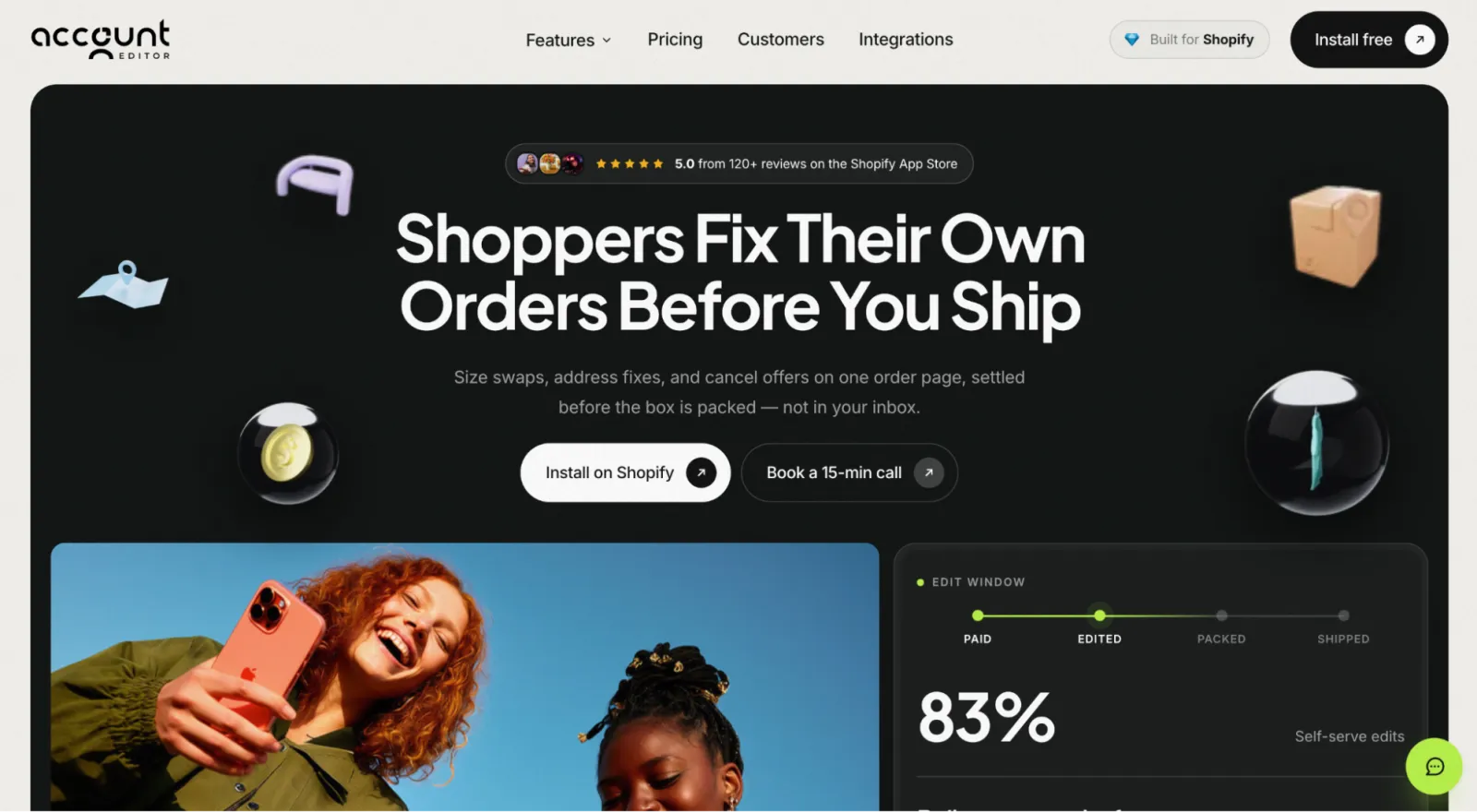
ClickPost's app is a piece of a logistics suite. Account Editor is the suite for the post-purchase window itself. Customers change sizes, addresses, quantities and items, cancel, add products and download invoices from the order status page, the thank-you page and their customer account. The Shopify listing shows 5.0 from 262 reviews, all five-star, with a Built for Shopify badge.
Pricing is by monthly order volume with unlimited edits and every feature on every plan. It is $39 for up to 1,200 orders, $99 for 1,201 to 5,000, $179 for 5,001 to 10,000 and $249 for 10,001 to 20,000, with 20% off annually and a 14-day trial. ClickPost's $49 tier is lower than Account Editor's $99 for 1,201 to 5,000 orders, and Account Editor is lower than ClickPost's $49 for stores under 1,200 orders.
A dedicated post-purchase vendor, with every feature included. Account Editor adds cancellation offers, six upsell placements with A/B testing, invoices and EU withdrawal to the edit window, from $39 a month.
Install on Shopify → · See the features →
Key features:
Unlimited order edits on every plan, with no edit meter
Customer self-serve edits to sizes, variants, quantities and items, plus add-ons to the same shipment, inside rules you set
Edit windows set in minutes or hours, or Smart Window rules for fulfillment days, daily cutoff with a buffer, paused picking hours and a warehouse timezone
Hold orders during the window, and Hold & Revert to undo edits that raise the total if the customer doesn't pay
Address editing with field-level controls, validation on edit and autocomplete suggestions as the customer types
Tag lists to include or skip orders for validation, such as wholesale orders shipping to freight forwarders
Shipping method changes, split shipping per shipment, and automatic shipping and tax recalculation after an edit
Shipping rules that hide methods by condition, with checkout-level rules on Shopify Plus
Cancellation flow with offers before the refund: gift card, free shipping, free item, discount or store credit
Approval mode with an order hold while you review, restocking fees, and tag rules that allow or block cancellations by order or customer
Refunds to the original payment method, to store credit, to the customer's choice or through your own Shopify Flow workflow
Editable cancellation reasons feeding a "Why customers cancel" report
Upsell offers in six placements: checkout, after checkout, thank-you page, order status page, free-shipping progress and email
Ten product sources, backup products, targeting by customer, cart, tag, market, weekday and time of day, four display designs and an optional countdown timer
Built-in A/B testing with revenue, conversion, funnel and average order value lift analytics
Discount code and gift card field after checkout, with discounts recalculated when an order changes
Customer email edits with optional verification code, and order notes
Custom item details such as engraving text, color preference and special instructions
Invoice portal with PDF downloads, bulk downloads, emailing, B2B company-location views, optional invoice payments, sequential numbering and 10 languages
EU withdrawal form for the 27 member states with a Requests tab
Survey forms, a reorder button, and contact support with a ticket inbox
Edits to local delivery orders, which Shopify blocks natively (Account Editor cancels the original and creates a replacement)
Checkout editing on Shopify Plus, with quantity, variant, add-item and custom detail changes before payment
Shopify Flow support and documented 3PL and OMS behavior, with setup guides for platforms such as NetSuite, Brightpearl, Fulfil, Microsoft Dynamics 365 Business Central, Cin7 Omni and ShipBob
Pros:
Dedicated vendor with every feature on every plan
Unlimited edits and no per-edit or per-conversion fees
262 reviews at 5.0 and a Built for Shopify badge
Cancellation, upsell and address controls with reporting
Cons:
No free plan, only a 14-day trial
$99 for 1,201 to 5,000 orders is $50 more than ClickPost's $49 tier
No shipping, tracking or carrier tools, because it isn't a logistics platform
Address validation is metered beyond the monthly allotment
Best for: Stores that want the post-purchase window handled by a dedicated vendor, with cancellation offers and upsell testing included.
Pricing: $39 (0-1,200 orders), $99 (1,201-5,000), $179 (5,001-10,000), $249 (10,001-20,000) per month; 20% off annually; 14-day free trial.
2. Revize
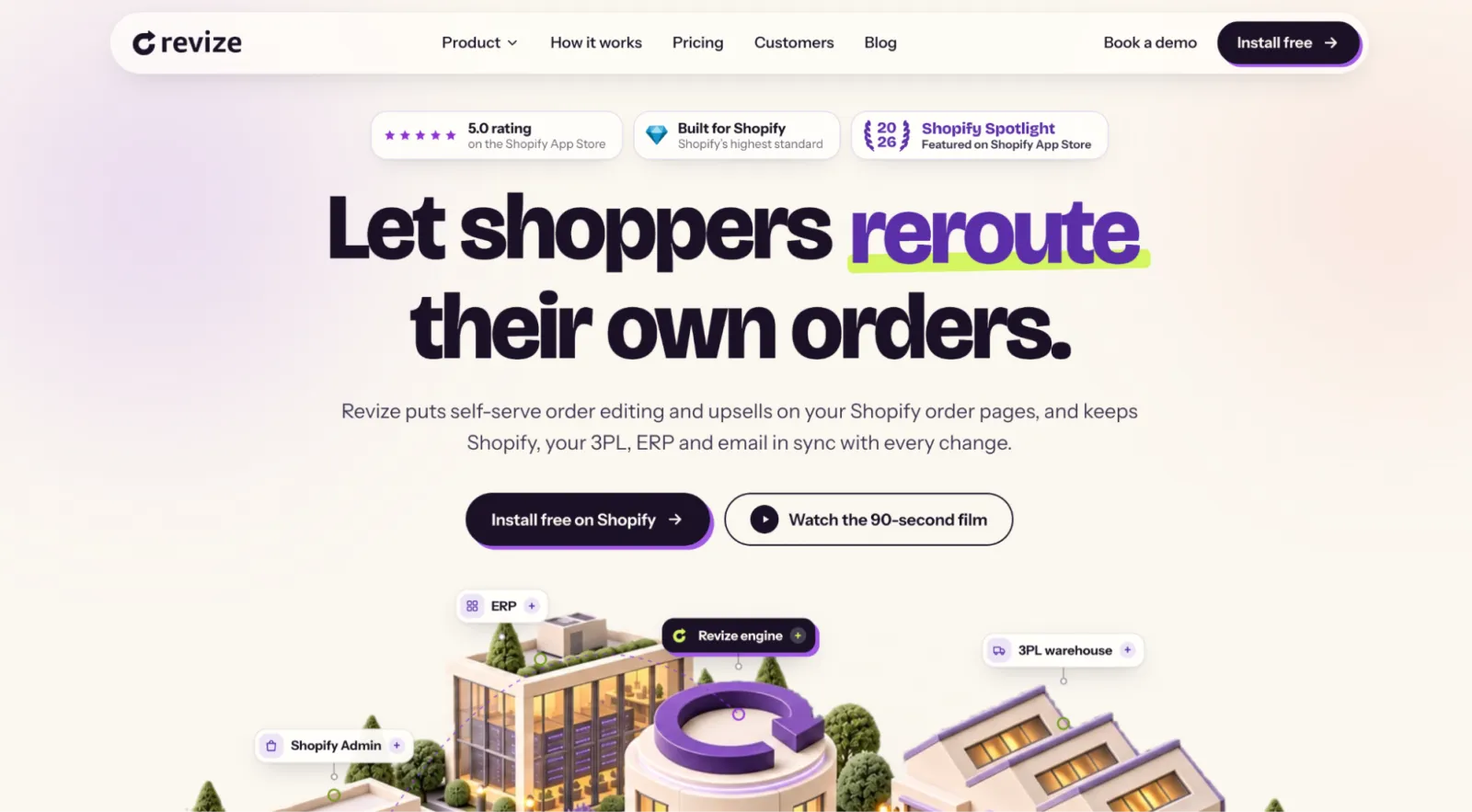
Revize is the app most often compared with ClickPost's because both start free. According to its Shopify listing, the free plan covers 20 edits a month with quantity and variant changes, address, email and phone updates, auto-cancel with instant refunds and an EU withdrawal button. Starter is $49 for unlimited editing and Pro is $149.
Where Revize pulls ahead is the Pro feature list: AI upsells, product swaps and add-ons, the rules engine, reverse unpaid edits, invoices, discount and tax recalculation and store credit refunds. It supports 20 languages, 100+ integrations including Klaviyo, Recharge and Shopify Flow, and subscription and B2B orders. It launched in November 2024 and shows 5.0 from 129 reviews with a Built for Shopify badge.
Against CP, the tradeoffs are the 20-edit free cap (CP gives 25) and the $149 price for the advanced features, where CP includes upsells and validation at $49. Its listing doesn't describe a warehouse connection list as long as CP's 80+.
Key features:
Address, quantity, variant and contact edits with smart edit windows
Auto-cancel with instant refunds; store credit refunds on Pro
AI and email upsells (Pro)
Subscription and B2B editing, 20 languages
Pros:
Free plan with an EU withdrawal button and priority chat
Built for Shopify, 20 languages, subscription support
Editing-specific review base
Cons:
20-edit free cap
Upsells and rules engine need the $149 plan
No long WMS list published
Best for: Stores with international customers that want a free start and subscription editing.
Pricing: Free (20 edits); $49 Starter; $149 Pro.
3. OrderEditing.com
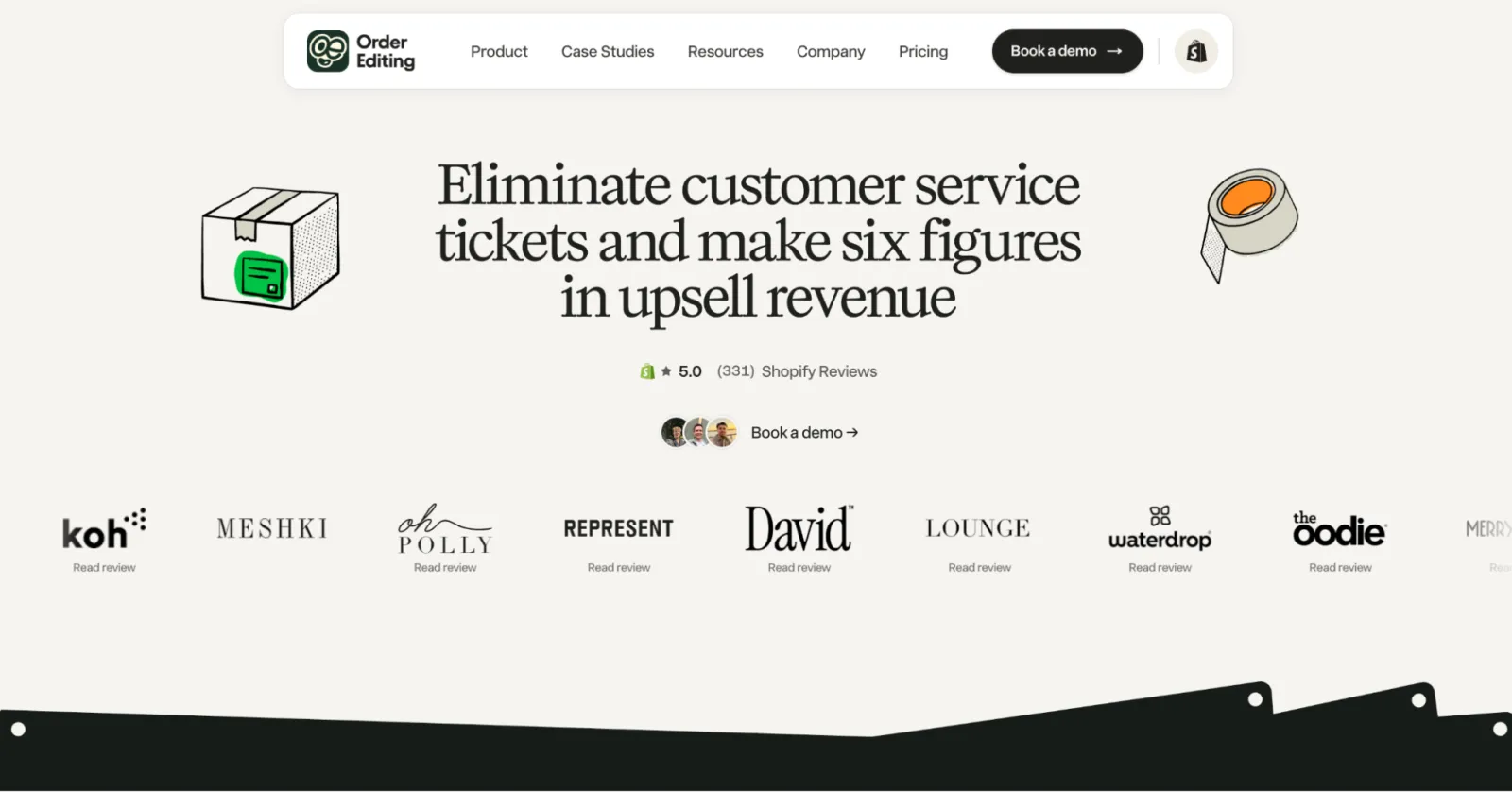
OrderEditing.com is the largest dedicated editing app by review count, with 5.0 from 346 reviews on its Shopify listing and a May 2023 launch. Every plan includes all features and integrations, priced by order volume: $99 for up to 2,500 orders, $199 for 2,500 to 5,000, $399 for 5,000 to 10,000 and $599 for 10,000 to 20,000.
That makes it more expensive than ClickPost at every band, and the difference shows up in scope. The listing names NetSuite, Celigo, Brightpearl, Fulfil.io, Microsoft Dynamics 365 and ShipStation, and the docs list modules for downloadable invoices, gift notes, delivery rescheduling and contact forms for support tickets. Window options run from 2 minutes to "Until order fulfilled," and a setting can stop edits after an authorized payment is captured. Address validation is billed per check by country up to a monthly cap, and Slack support from the founders starts at $199.
Its documentation also describes a rules system, and reviewers on its listing praise onboarding and support.
Key features:
Edits to address, products, shipping method and discount codes, plus cancellation
One-click and checkout upsells
Address validation in 100+ countries, billed per check
100+ integrations including NetSuite and Celigo
Pros:
Largest editing-specific review base
Unlimited edits and all features on every plan
Strong ERP and OMS coverage
Cons:
Highest price at every band in this comparison among unlimited plans
Address validation is a separate meter
No Built for Shopify badge on the listing
Best for: Mid-market stores with ERP connections that value review depth over price.
Pricing: $99, $199, $399 and $599 per month by order volume; 7 to 14 day trials.
4. Cleverific Order Edit & Upsell
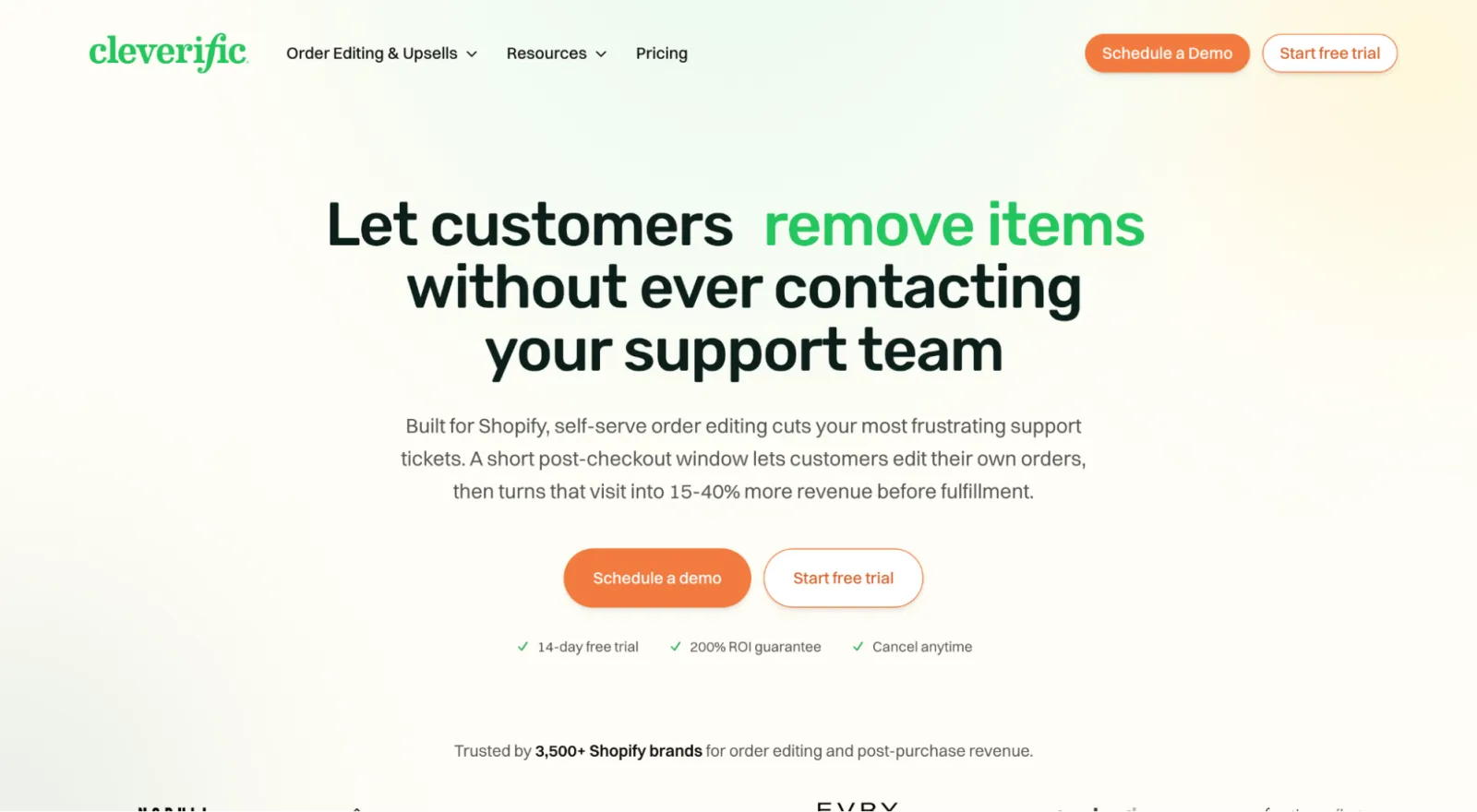
Cleverific is the veteran, with a February 2014 launch and a Shopify listing showing 4.6 from 233 reviews. It started as a staff tool for changing addresses, shipping rates, tax rates and line items, and added a customer self-serve window and AI-drafted upsells with A/B testing. It also supports draft orders for phone and wholesale sales.
Pricing is metered: $59 for 100 edits, $119 for 400 and $359 for 800, with overage on every plan and $1 per upsell conversion. Its pricing page counts any modification made through Cleverific as an edit, including drafts and automations. SOC 2 Type II attestation is included only on Premium Plus, which matters because ClickPost shows SOC 2, GDPR and ISO logos at company level and some procurement teams ask for them.
The tradeoff against ClickPost is cost and structure: a similar volume costs more on Cleverific, and the bill varies with edits and upsell conversions. The listing is English only and has no Built for Shopify badge.
Key features:
Customer self-serve window with permissions at order, customer and line-item level
Staff Quick Mode and Advanced Mode, plus draft orders
AI upsells with A/B testing
Shopify Flow, ShipStation, NetSuite, Klaviyo, Rebuy and Recharge integrations
Pros:
Ten years in the category
Staff and customer editing in one app
SOC 2 Type II option
Cons:
Metered edits and overage fees
$1 per upsell conversion
English only, no Built for Shopify badge
Best for: Stores that need staff-side editing and a vendor with a long history.
Pricing: $59 (100 edits), $119 (400), $359 (800) per month, plus overage and $1 per upsell conversion.
5. Redo (Order Editing)
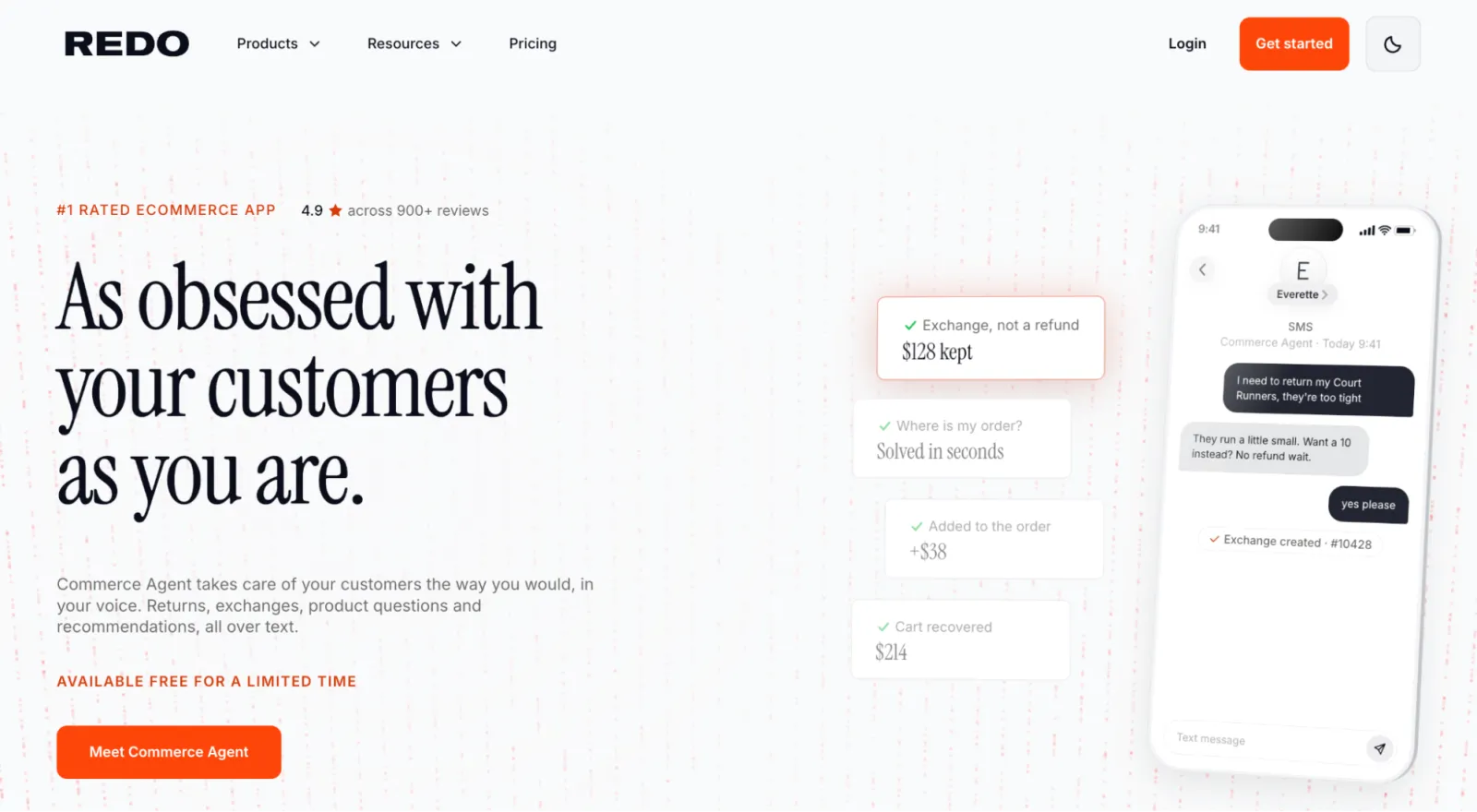
Redo is the closest comparison on structure, because it is also an order editing tool inside a broader platform, in its case returns, exchanges, helpdesk, email and SMS. Redo's own page describes order editing as free, with no monthly fee, no per-order charge and no feature gates.
Customers swap variants, update addresses, add or remove items, apply a discount code or cancel, with a window for each action. Rules by order tag or order ID set what each order type can do. Redo's help center documents two hold methods (Shopify Holds and order tags for systems such as ShipHero) plus an invoice and hold for edits that raise the total. Redo blocks edits once its OMS has created a label, printed a packing slip or started a pick session.
Redo's 4.9 from 814 reviews covers the whole platform, and the order editing pages reviewed don't describe a post-purchase upsell engine or address validation. For a ClickPost user who values free editing and doesn't need either, Redo is a comparable option.
Key features:
Variant, item, address and discount edits plus cancellation
Per-action windows and two hold methods
Rules by order tag or order ID
Refunds through Shopify, with extra payment by invoice
Pros:
Free per Redo, with no stated cap
Well-documented holds and per-action windows
Fits stores already using Redo for returns
Cons:
Rating covers the whole platform
No upsells or address validation described on the pages reviewed
Window options not listed in the help pages reviewed
Best for: Stores that want free editing and already use Redo for returns.
Pricing: Free per Redo's order editing page.
6. Relocate+ Order Editing
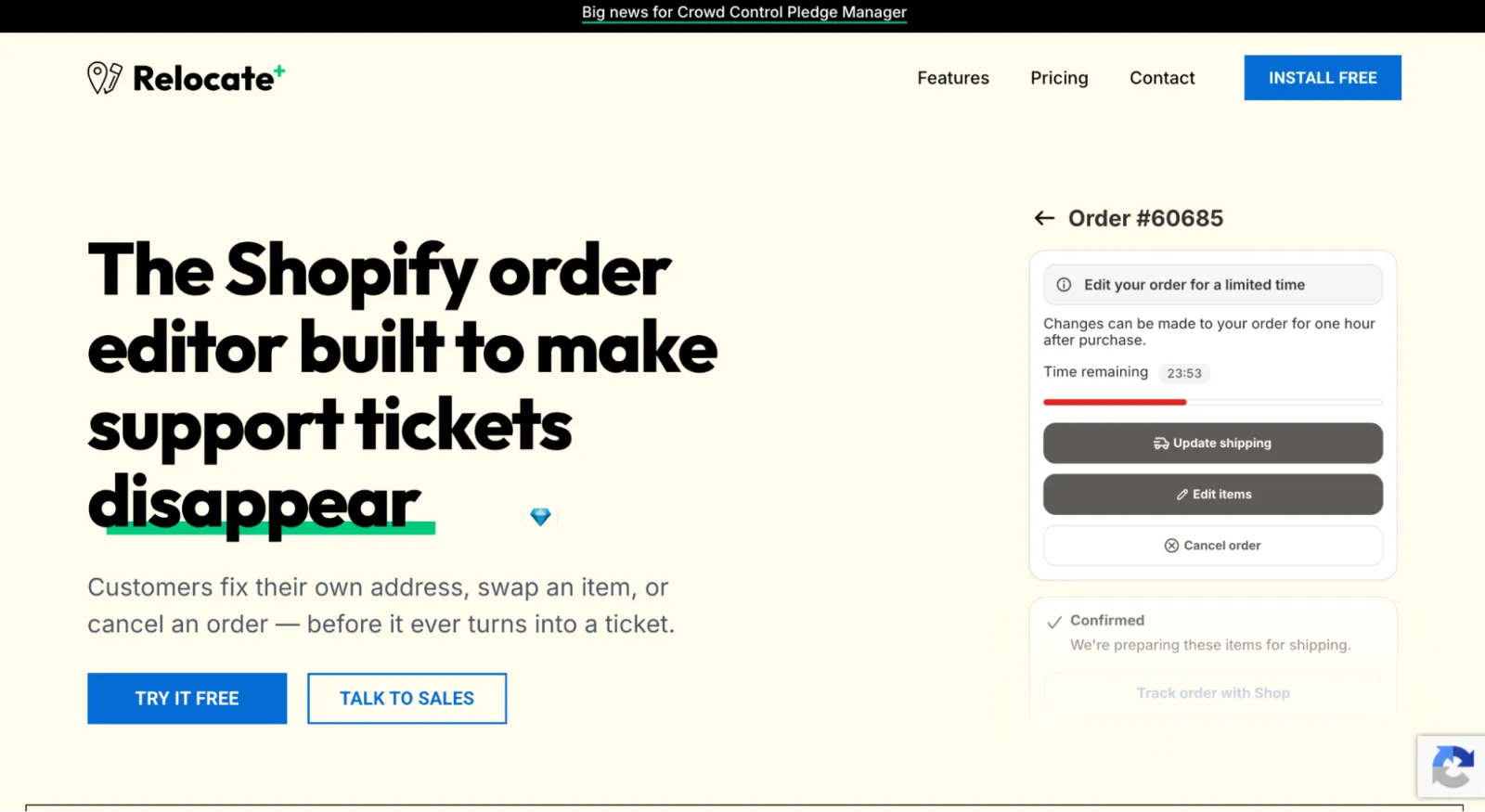
Relocate+ is the lowest-cost unlimited option here. It launched in April 2021, carries a Built for Shopify badge and shows 5.0 from 42 reviews. The free plan allows one type of order editing with unlimited edits for that type. Basic at $19 a month covers all edit types and tags edited orders automatically, and Advanced at $39 adds time-based windows, filters, change logs, priority support and a dedicated account manager.
It supports 33 languages and lists integrations with Easyship, Recharge, ShipStation and Starshipit. Customers can pay price differences from confirmation emails and order status pages. The listing doesn't describe an upsell engine, Google address validation or a WMS integration list, so it fits stores that want edits and cancellations without ClickPost's 3PL connections. Its free plan limits the edit type, not the edit count, so a store that only needs address fixes can stay free. A store that also needs item edits and cancellations moves to the $19 plan, where ClickPost's free tier would begin charging $1 per edit beyond 25.
Key features:
Address, variant, item, gift note and cancellation edits
Rules and time limits on Advanced
Automatic tagging and payment capture for price differences
33 languages
Pros:
$19 unlimited editing, free plan for one type
Built for Shopify
33 languages
Cons:
No upsell engine or validation described
Time windows need the $39 plan
42 reviews
Best for: Small stores that want the cheapest dependable editing.
Pricing: Free; $19 Basic; $39 Advanced; 7-day trial.
7. Recheck Order Editing + Upsell
Recheck is the alternative that mirrors CP's mix of edits, upsells and validation at a small scale. Its listing shows four plans. Starter is free with 20 edits. Growth is $19 for 50 edits and adds upsells and address validation. Scale is $49 for 200 edits and adds revert unpaid edits and fulfillment hold. Enterprise is $299 for 1,000 edits with custom feature requests and 3PL and WMS integrations. Paid plans include a 7-day trial.
It launched in June 2024, carries a Built for Shopify badge, shows 5.0 from 18 reviews and lists 21 languages, with Gorgias, Klaviyo, Zendesk and Shopify Flow integrations. The edit meter is the main contrast with ClickPost's order-volume tiers: a store with a few hundred edits a month moves from $49 to $299 on Recheck, where CP stays at $49 or $129.
Its review base is the smallest in this comparison, so check support responsiveness during the trial.
Key features:
Customer edits to address, variant, products and shipping method
Upsells on thank-you and order status pages (Growth and up)
Fulfillment hold and revert unpaid edits (Scale and up)
21 languages, with Gorgias, Klaviyo and Zendesk integrations
Pros:
Free and $19 entry plans
Built for Shopify
Fulfillment hold from $49
Cons:
Edit-metered, with a $299 jump from $49
18 reviews
3PL and WMS integrations on the $299 plan
Best for: Small stores that want upsells and holds at a low entry price.
Pricing: Free (20 edits); $19 (50 edits); $49 (200 edits); $299 (1,000 edits).
Keep shipping with ClickPost, handle the edit window with a specialist. Account Editor edits the order in Shopify, so your carrier and tracking tools keep working while customers change orders inside the window.
Install on Shopify → · Book a 15-min demo →
Monthly Cost at Five Order Volumes
The table uses one illustrative assumption, an edit rate of 7% of orders, and shows the cheapest published plan that covers that many edits. It is arithmetic on list prices, not a measured result. Upsell fees and address validation beyond included allotments are excluded, and Redo is left out because it is free per its own pages.
Monthly orders | Edits (7%) | CP | Account Editor | Revize | OrderEditing.com | Cleverific | Relocate+ | Recheck |
|---|---|---|---|---|---|---|---|---|
400 | 28 | $0 + $3 overage | $39 | $49 (free covers 20) | $99 | $59 | $19 | $19 |
1,000 | 70 | $49 | $39 | $49 | $99 | $59 | $19 | $49 |
5,000 | 350 | $49 | $99 | $49 | $199 | $119 | $19 | $299 |
10,000 | 700 | $129 | $179 | $49 | $399 | $359 | $19 | $299 |
15,000 | 1,050 | $129 | $249 | $49 | $599 | $359 plus overage | $19 | Over the 1,000-edit cap |
Four things stand out:
ClickPost's free tier is the cheapest option for a store of 400 orders: 28 edits cost 25 free plus 3 at $1, or 3.
Account Editor is cheaper than ClickPost at 1,000 orders (39 against 49)and more expensive at 5,000 (99 against $49) and above.
OrderEditing.com and Cleverific are the most expensive at volume.
Relocate+ is the lowest-priced unlimited plan at every volume and Revize Starter holds at 49. Their listings place upsells, the rules engine and store credit refunds on RevizePro (149) and time windows on Relocate+ Advanced ($39).
ClickPost includes upsells, Google validation and the edit window on the $49 tier. A fair comparison for a store that wants all three is therefore ClickPost at $49 against Account Editor at $99 for 1,201 to 5,000 orders. The $50 difference buys the features listed in the Account Editor entry (cancellation offers, A/B testing, an invoice portal and EU withdrawal handling), and whether it earns that back depends on whether you use them.
Price your own volume before you decide. Account Editor's ROI calculator turns your order count, edit rate and cost per ticket into a monthly estimate you can set against any plan above.
Open the ROI calculator → · Install on Shopify →
Logistics-First or Post-Purchase-First
A logistics vendor and a post-purchase vendor build for different jobs, and the table shows what each side tends to prioritize.
Question | Logistics-first vendor (ClickPost) | Post-purchase-first vendor (Account Editor and similar) |
|---|---|---|
Carrier and shipping tools | 600+ carriers, branded tracking, NDR, delivery date estimates | Not part of the product |
Edit controls | Windows from 30 minutes to until fulfilled, daily limits, holds | Windows, Smart Window rules, Hold & Revert, per-order rules |
Cancellation | Automated refunds or store credit | Offers before cancellation, approvals, restocking fees, reason reports |
Upsells | Thank-you page and one-click add-ons with analytics | Six placements, ten product sources, A/B testing |
Documents and compliance | EU withdrawal readiness per the listing | Invoice portal, EU withdrawal form with Requests tab |
Review base for editing | 73 on the listing | 262 for Account Editor, 346 for OrderEditing.com |
You don't have to choose one vendor for both. An editing app changes the order in Shopify, and shipping and tracking tools read the order from Shopify. The condition is timing: the edit window must close before ClickPost or any other system imports the order. If you run both, test an edit before import and an edit after import with your real shipping stack connected, as the fulfillment holds guide describes.
How to Choose the Right ClickPost Order Editing Alternative
Decide whether you want one vendor or two. If shipping, tracking and editing under one contract matters, ClickPost's bundle has value. If editing depth matters more, a dedicated app is the better comparison.
List the features beyond edits. Cancellation offers, upsell testing, invoices and EU withdrawal handling decide whether a $50 price gap is worth it.
Price at your own volume. Use the table above. Free tiers win under 500 orders, and the gap narrows above 5,000 orders.
Check how validation is billed. ClickPost includes Google validation. Account Editor includes an allotment and then meters. OrderEditing.com bills per check up to a cap.
Compare review depth for editing. 262 reviews and 73 reviews are different levels of evidence about support and edge cases.
Test the window against your warehouse. Close the edit window before your 3PL or shipping platform imports orders, and test both the before-import and after-import cases. The guide to safe edit rules lists the rules worth setting first.
Treat vendor statistics as claims. Ask for a source or a case study before you rely on a ticket-reduction figure.
Final Verdict
ClickPost's order editing app is a solid, low-cost product with a free entry tier and an unusually long WMS list. For a store that already runs ClickPost for shipping and wants the simplest path, it is a reasonable choice. The reasons to look further are depth and focus: a smaller review base, lighter public documentation of cancellation offers and upsell testing, and a vendor whose roadmap is spread across carriers, tracking and returns.
Account Editor is the best fit for merchants who want the post-purchase window handled by a dedicated vendor. Every feature is on every plan, edits are unlimited and the price runs from $39 to $249 a month by order volume. It costs more than ClickPost at 1,201 to 5,000 orders and has no free plan, so a store under 500 orders may reasonably stay on ClickPost's free tier. For a store of 1,000 or more orders that wants cancellation offers, upsell testing and invoices in one place, the extra $50 at mid volume buys the strongest feature set in this comparison.
Test it beside your current shipping stack. A 14-day trial with every feature switched on is long enough to run the edit-before-import and edit-after-import tests with your carrier and tracking tools connected.