
Account Editor × Shopify Flow (Triggers, Actions & Logic)
Purpose
Explain how Account Editor integrates with Shopify Flow, what triggers/actions are available, and how merchants should think about automation design.
Why This Matters
Manual post-purchase control does not scale.
Without automation, merchants struggle with:
- Last-minute edits before fulfillment
- 3PL sync conflicts
- VIP vs non-VIP handling
- Fraud-risk orders slipping through
- Inconsistent customer experiences
Account Editor + Shopify Flow gives you real-time, rule-based control over order editing, cancellations, and fulfillment behavior — automatically.
How Account Editor Works with Shopify Flow
Shopify Flow is built on three core components:
| Component | What It Does |
|---|---|
| Trigger | Starts the workflow when an event occurs |
| Condition | Decides whether the workflow continues |
| Action | Executes a task automatically |
Account Editor extends Flow by adding post-purchase–specific triggers and actions, letting you automate order editing behavior based on real customer activity.
Account Editor Triggers (Flow Events)
These triggers fire only when customers interact with their orders via Account Editor.
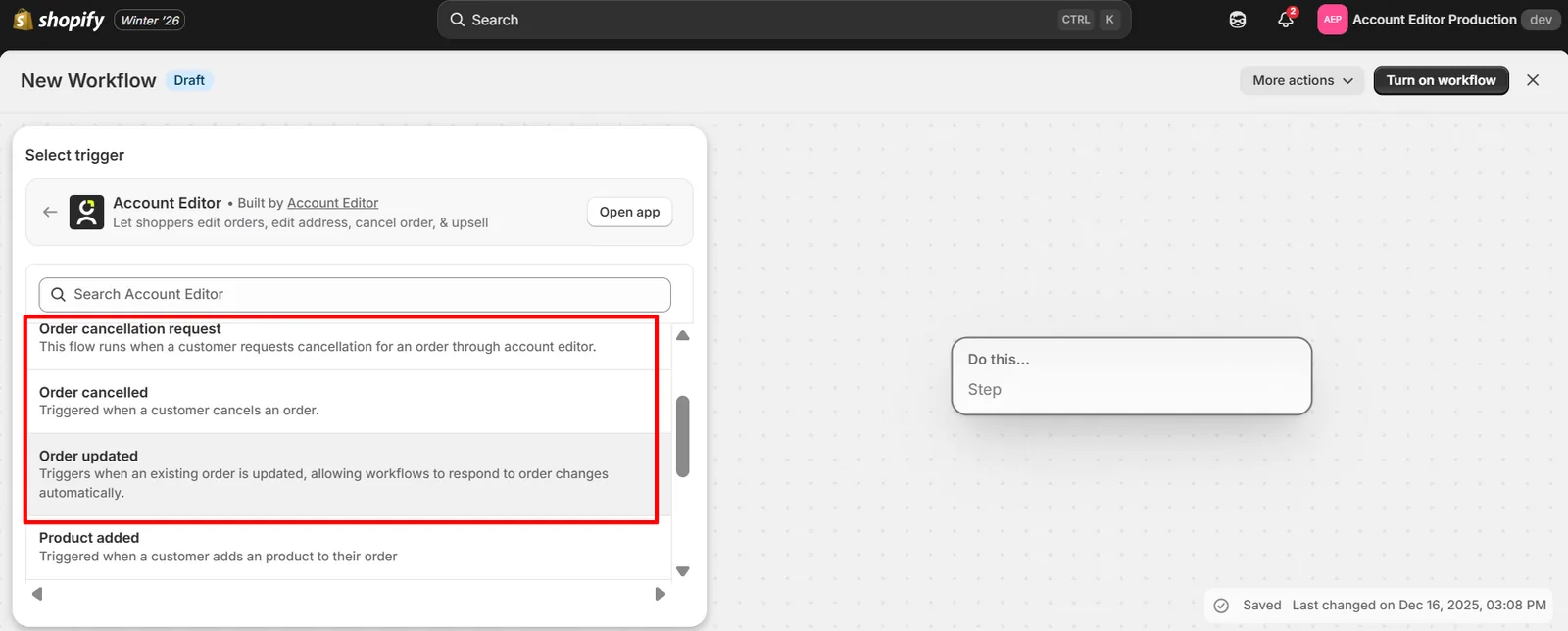
Order-Level Triggers
- Order Updated → Any order change via Account Editor
- Order Cancelled → Customer cancels an order
- Order Cancellation Requested → Customer requests cancellation (pre-approval stage)
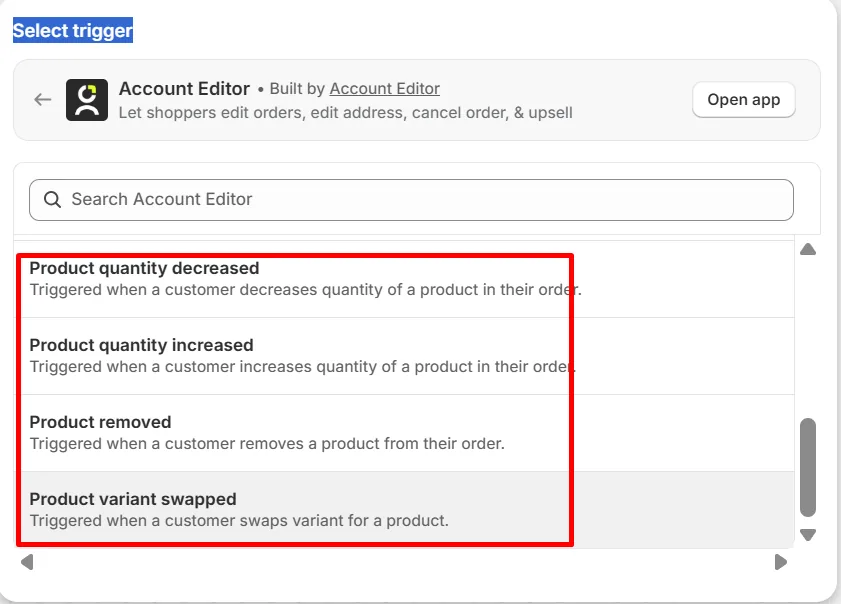
Product-Level Triggers
- Product Added
- Product Removed
- Product Quantity Increased
- Product Quantity Decreased
- Product Variant Swapped
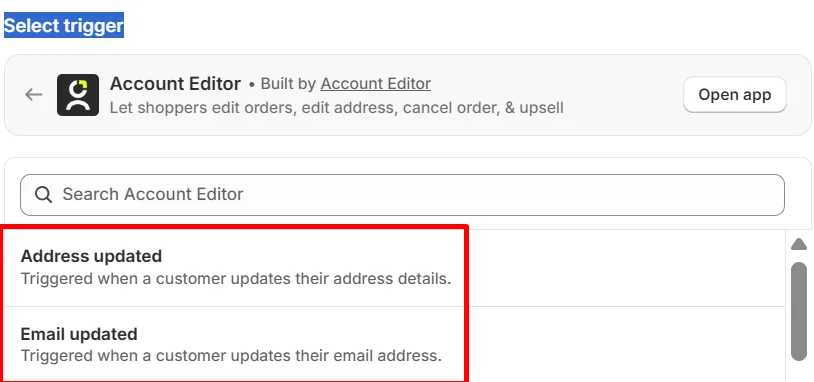
Customer Data Triggers
- Shipping Address Updated
- Email Updated
Why this is powerful:
Account Editor Actions (Flow Controls)
These actions let you enable, restrict, or lock down specific edits dynamically.
Editing Controls
- Disallow Customer Edits (master lock)
- Disable Order Cancellations
- Disable Product Quantity Changes
- Disable Product Swaps (variants)
- Disable Removing Items
- Disable Shipping Address Editing
- Disable Email Editing
- Disable Phone Number Editing
Fulfillment Controls
- Hold Fulfillment Order
- Release Order Hold
These actions can be applied conditionally, not globally.
Automation Design Principles (Critical)
Before building flows, follow these rules:
- Automate exceptions, not defaults
- Use conditions aggressively (tags, value, risk)
- Never overlap manual rules and Flow logic
- Always test with a real order