On Black Friday 2025, Shopify merchants hit a peak of $5.1 million in sales per minute at 12:01pm EST, on the way to $14.6 billion across the BFCM weekend — up 27% year over year, from more than 81 million buyers.
Now consider what that does to the four days after checkout.
Every operational process that works fine at 200 orders a day behaves differently at 2,000. Warehouses batch harder and pick faster. 3PLs pull orders more aggressively to clear queues. Support queues stretch from hours to days. And the window in which a customer can still fix a wrong size or a mistyped apartment number — the window that quietly prevents a January refund — gets compressed exactly when the volume of mistakes is highest.
Most BFCM readiness advice covers the run-up to checkout: inventory buffers, page speed, discount logic, ad budgets. This guide covers the four days after the sale, and specifically how to configure post-purchase editing so peak volume does not turn correctable mistakes into returns.
It covers:
Why peak season breaks edit windows that work the rest of the year
How to re-tune fulfillment holds for BFCM throughput
The pre-peak audit worth running in October
What to freeze, and what to leave alone, during the weekend itself
How BFCM order edits determine your January returns
Why Peak Season Breaks a Working Edit Window
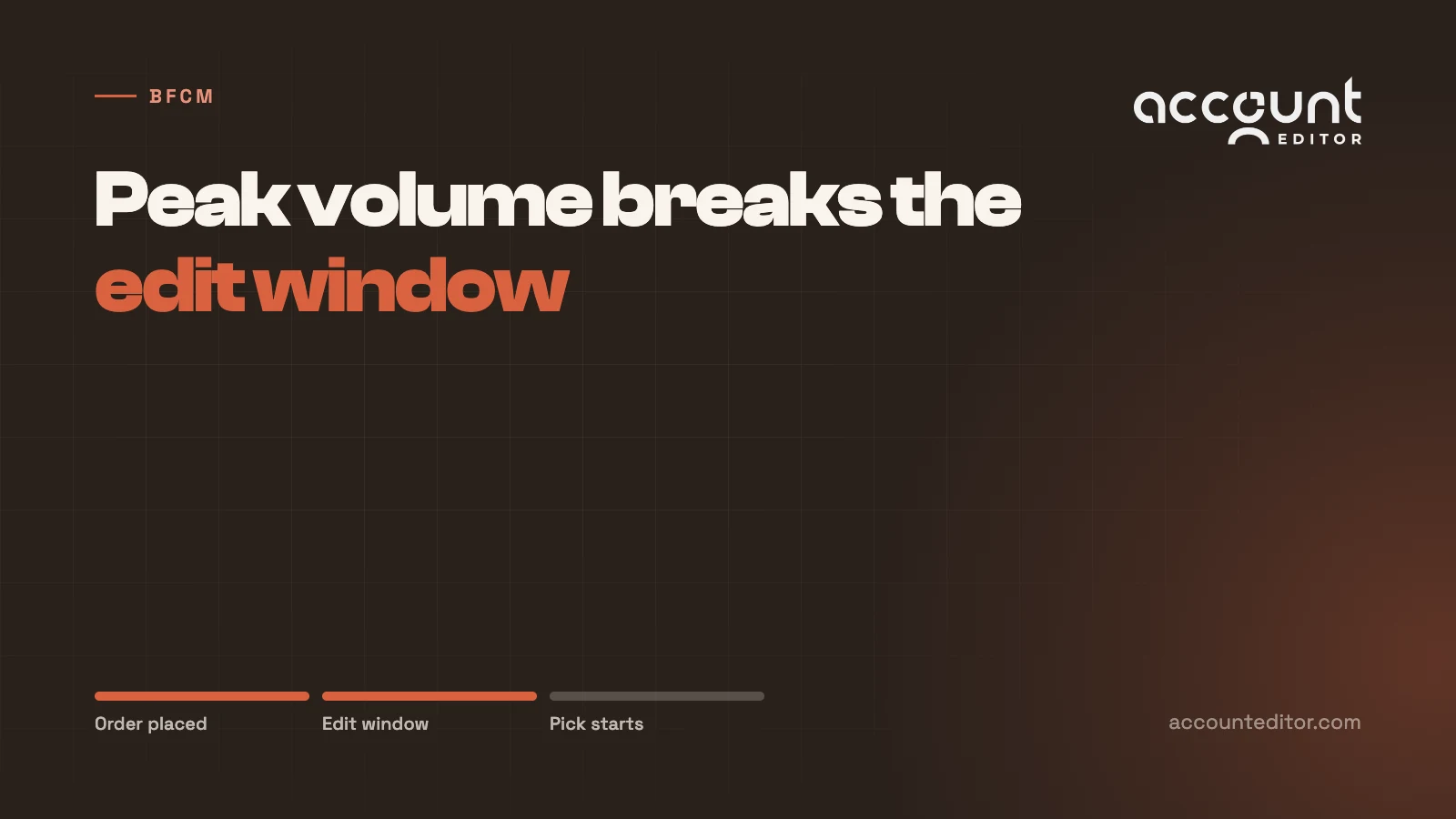
An edit window is a race between two clocks: how long the customer has to notice a mistake, and how long before the warehouse picks the order. During normal trading those clocks are comfortably apart. At peak they converge from both directions.
Fulfillment Gets Faster
Under peak load, warehouses and 3PLs compress their cycles deliberately. Pick waves that run twice a day in October run every hour in late November. Orders that normally sit unfulfilled for four hours are labelled in forty minutes.
If your edit window was set against off-peak fulfillment timing, it is now longer than the gap it was meant to fit inside. Customers will edit orders that have already been picked, and those edits will apply cleanly in Shopify while the wrong parcel is already moving.
Mistakes Get More Frequent
Peak traffic is disproportionately made up of deal-driven, time-pressured, mobile checkouts — the exact conditions that produce wrong variants, autofilled old addresses, and duplicate orders. The error rate per order rises at the same moment the total order count multiplies.
Support Stops Being a Safety Net
For most of the year, a customer who misses the edit window emails support and a human fixes it. At peak, that queue is measured in days, not hours. The manual fallback that silently absorbs edge cases the rest of the year is precisely what stops working when you need it most — which is why manual order changes do not scale into peak.
Re-Tune the Hold, Don't Just Shorten the Window
The instinct at peak is to shorten the edit window so nothing delays dispatch. That is half a solution, and the wrong half.
Shortening the window without adjusting the hold means customers get less time to catch mistakes and the warehouse still sees orders mid-edit. You have reduced the benefit while keeping the failure mode. The correct move is to align both clocks against your peak fulfillment timing rather than your average.
Measure Peak Timing Before Peak
Export orders from last year's BFCM weekend and measure the real gap between order creation and first fulfillment event. Not this October's figure — last November's. That distribution is your actual constraint, and for most stores it is dramatically tighter than they assume.
Set the edit window to sit comfortably inside that gap, then set the fulfillment hold to match, remembering to add your integration's sync interval on top. A sixty-minute window on a 3PL polling every ten minutes needs a seventy-minute hold.
Know Which Lever Your Stack Gives You
The mechanism depends on how your system ingests orders, not on which vendor you use. Pull-based platforms get delayed or tag-gated; push-based ones need their fulfillment trigger moved.
Stack | Peak adjustment | Where to change it |
|---|---|---|
ShipStation, DPD | Lower the minimum order age to match compressed picking | Native store settings — no automation needed |
CartRover, tag-filtered 3PLs | Shorten the Shopify Flow wait before the HOLD tag clears | Shopify Flow, plus check sync frequency |
Brightpearl and other OMS | Confirm order-edits permission is on, then tighten import timing | OMS settings first, then timing |
Push-based fulfillment | Delay the fulfillment trigger, not the import | Wherever fulfillment is initiated |
The integration guides cover the specifics per platform, and it is worth reading yours in October rather than discovering the setting in week one of peak.
The Pre-Peak Audit
Run this in October, while changes are still cheap to test. Each item takes minutes and each one prevents a category of peak failure.
Confirm the hold actually holds. Place a test order, edit it, and verify your 3PL received the edited version. If you have never tested this, assume it is broken — in more than half of reported "edits aren't applying" cases the editing worked and the fulfillment system pre-empted it.
Re-read last year's peak timestamps. Order-to-fulfillment gap at peak, not annual average.
Verify address validation is live. Roughly 22% of delivery failures trace back to incorrect or incomplete addresses given at checkout, and mobile peak traffic is where that rate is worst.
Check payment protection on upward edits. At peak volume, an order released before an added item's payment settles is goods shipped for free.
Restrict what needs restricting. Bundles, subscription items, and limited-stock doorbusters are the line items where an uncontrolled edit causes the most damage. Tag-based rules handle this.
Pre-write the support macros. Whatever the window cannot cover, your team will answer manually. Write those replies in October.
During the Weekend: What to Freeze
Peak is not the time to change configuration. Two rules hold.
Freeze the settings. Edit windows, hold durations, validation rules, and tag logic should be locked before traffic arrives. A mid-peak change to a hold interacts with orders already in flight, and debugging that under load is how a bad weekend becomes a bad quarter.
Do not freeze the editing itself. The temptation at peak is to switch off self-serve editing entirely so nothing interferes with throughput. That inverts the economics. Turning editing off does not remove the mistakes — it removes the customer's ability to fix them and routes every one into a support queue that is already saturated, or into a return in January. Peak is when self-serve editing earns the most, because it is the only correction channel that scales with volume.
The one thing worth watching live is the ratio of edits to orders. A sudden spike usually points at a specific product with a sizing or description problem, which is actionable within the weekend.
BFCM Orders Decide Your January Returns
The NRF expects 17% of holiday sales to come back as returns, against 19.3% for online sales generally and a total returns market of roughly $850 billion.
A meaningful share of that 17% is decided in the hours after checkout, not after delivery. The customer who ordered the wrong size on Black Friday knows it that evening. If the window is open and the warehouse is holding, that is a thirty-second variant swap. If not, it ships, arrives, and comes back in January as a refund, a return label, an inspection, and often a markdown on seasonal stock that no longer sells.
Peak is where return prevention before shipping pays the highest return on effort, because the volume is concentrated and the goods are seasonal. A February return on a January order is expensive. A February return on Black Friday stock you can no longer sell at full price is worse.
Conclusion: Configure for Peak, Not for Average
Peak season does not introduce new post-purchase problems. It compresses the timelines on existing ones until configuration that was approximately right becomes actively wrong.
The work is unglamorous and almost entirely preparatory: measure last year's real fulfillment timing, set the window inside it, set the hold to match plus sync lag, test that the hold holds, and freeze it all before traffic arrives. None of that is difficult. All of it is much harder to do in the last week of November.
Get it right and peak volume flows through a system that corrects itself. Get it wrong and every one of those extra orders is an extra chance to ship something the customer already told you was wrong.
Ready Before Peak?
If your edit window has never been tested against peak fulfillment timing, October is when to find out — not the first Friday of the weekend.
Account Editor provides the customer-facing edit window, configurable holds, address validation, payment protection on upward edits, and integration guides for around forty 3PL, OMS, ERP, and shipping platforms — so peak volume reaches your warehouse already corrected.
See how Account Editor handles post-purchase edits at peak volume.