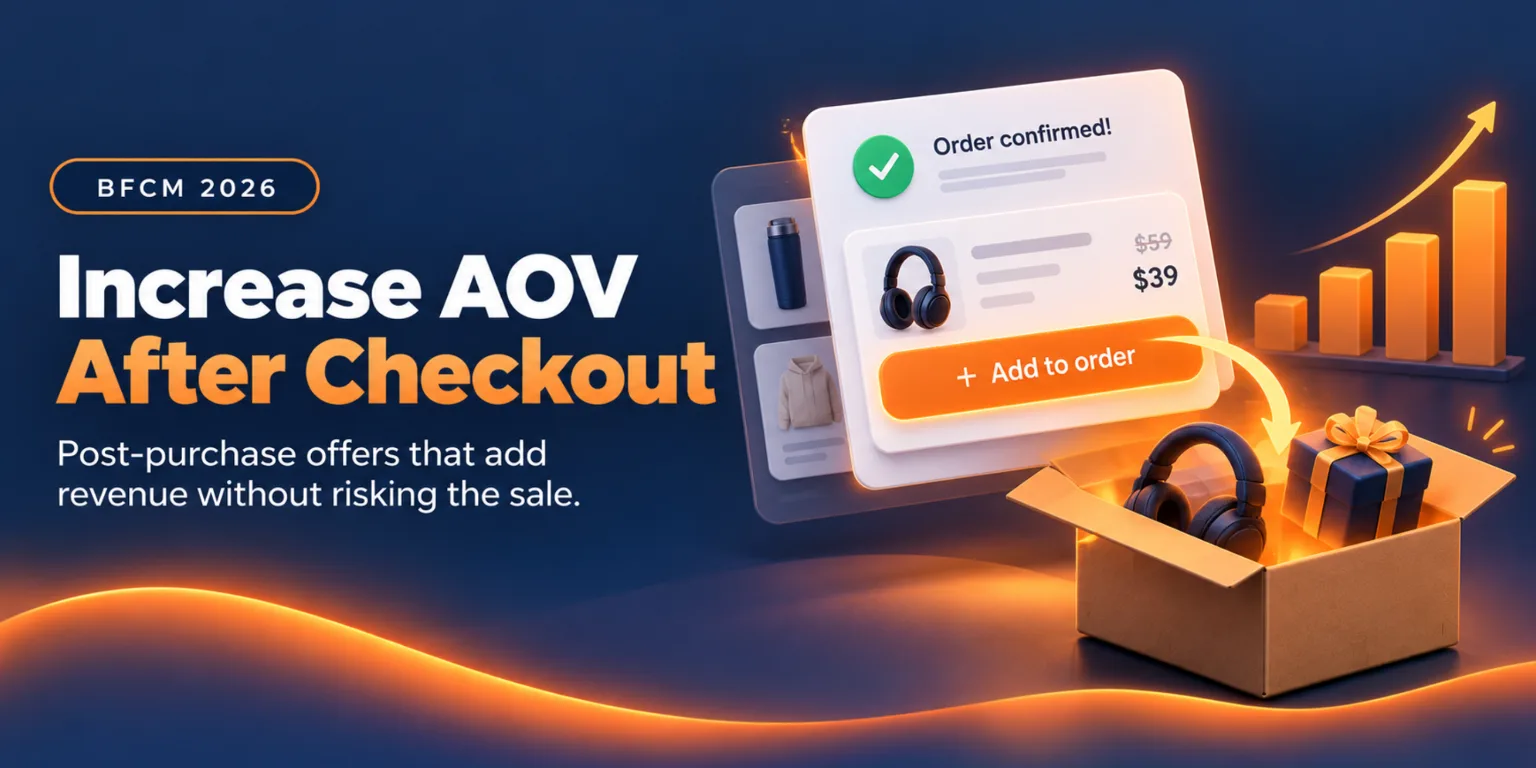
Most Black Friday advice about average order value happens before the customer pays. Bundles, tiered discounts, cart drawers and free-shipping bars all work on the cart. They also all compete with a store-wide sale, where the shopper already feels they're getting a deal.
The moment after payment works differently. The sale is made, the customer is paying attention to the order, and an offer doesn't put the original purchase at risk. That makes it a good place to add revenue during BFCM, but it comes with BFCM-specific problems that a normal-month upsell guide doesn't cover.
Who actually sees a post-purchase offer, once a large share of your buyers pay with wallets? What does a discount on top of a Black Friday price do to your margin? Which offer runs on Thursday night and which on Cyber Monday? What should you test now, while there's still time to finish a test? This guide answers those questions with arithmetic you can rerun with your own numbers.
What Changes About AOV During BFCM
Average order value is the total sales divided by the number of orders. In a normal month you raise it by raising the numerator per order. During BFCM three things distort that.
First, the baseline moves. Shopify reported an average cart of $114.70 across its merchants over BFCM 2025, on $14.6 billion in sales to more than 81 million buyers (Shopify, December 2025). Your own number will differ, and a discounted sale can pull it down if shoppers buy fewer full-price items.
Second, the discount is already doing the persuading. Adobe reported peak Cyber Monday 2025 discounts of 31% for electronics, 28% for toys and 25% for apparel (Adobe, December 2025). A shopper who has just received a 25% discount isn't in the same state of mind as one buying at full price, and your add-on offer has to make sense next to it.
Third, volume and speed rise. Orders arrive in bursts, stock moves fast, and the warehouse works to cutoffs. An offer that adds an item to an order has to respect all three. We'll cover each in turn.
What this guide doesn't cover
We've written elsewhere about how one-click post-purchase upsells work, the types of offers that suit different stores and how to calculate AOV. This guide assumes you know that and focuses on what changes when the whole store is on sale.
Who Actually Sees Your Post-Checkout Offer
The most important BFCM fact about post-purchase upsells is also the least discussed: a share of your buyers will never see the most popular surface.
Shopify's after-checkout page has payment-method limits
Shopify's developer documentation describes the after-checkout product offer page, the one that appears between payment and the thank-you page. It says that page doesn't appear if the customer pays with an installment or wallet service, listing Klarna, Affirm, Afterpay, Apple Pay, Amazon Pay and Google Pay as examples. It also doesn't appear for orders paid with a gift card or any method other than a credit card.
Other limits matter for a sale. The orders must come through the Online Store sales channel, orders with duties and multiple currencies don't get offers, and local delivery orders don't either. A customer can accept up to three offers per checkout, and only one app can control the page (Shopify developer docs, accessed October 2026).
These limits apply to every app that uses the after-checkout page, so they're a property of the surface and no reflection on any one vendor.
Why this matters more at BFCM
Adobe reported that mobile accounted for 57.5% of Cyber Monday 2025 online sales, and that Buy Now Pay Later spending reached $1.03 billion, with 79.4% of those transactions on mobile. Wallets and installments are a big part of how people pay in this season, and the documentation says the wallet and installment group in the list above never reaches the after-checkout page.
We can't tell you what share of your own buyers that is. Your payment report shows it, so look at last year's BFCM orders by payment method before you decide where offers go.
Build a three-surface plan
A single surface leaves part of your audience out. Account Editor supports offers on several, so plan across them:
Surface | Who can see it | Best for during BFCM |
|---|---|---|
After checkout (one-click accept) | Card-paying customers on eligible orders | The fastest add: an accessory or refill added with one click |
Thank-you page | Every buyer who reaches it, including wallet users | A complete-the-look or add-on offer while attention is high |
Order status page | Every buyer, on every return visit | Delayed decisions, gifts and "while you wait" offers |
Free-shipping progress | Shoppers nearing your threshold | Closing a small gap to free shipping |
Subscribers | Offers sent as a product card in your campaigns |
The last two reach people earlier or later. The thank-you and order status pages are the ones that close the wallet gap, which is why a BFCM plan should start there and treat after-checkout as the extra.
The Math: What a Post-Checkout Offer Is Worth
You can't set a sensible offer without knowing what it earns. The formula has three inputs and two outputs.
Reach: the share of orders that actually see an offer.
Acceptance rate: the share of those who add the item.
Offer price and margin: what the item sells for and what you keep.
Blended AOV lift per order equals reach times acceptance times offer price. Contribution equals accepted items times margin per item.
An illustrative example
These numbers are assumptions for the example, and they aren't benchmarks. A store takes 4,000 orders during BFCM. An accessory is priced at $30, offered at 10% off for $27, and costs $12 to buy and ship, leaving $15 of contribution before payment fees. Reach is 60% because some buyers pay with wallets or never open a later surface.
Acceptance rate | Items added | Extra revenue | AOV lift per order | Contribution |
|---|---|---|---|---|
5% | 120 | $3,240 | $0.81 | $1,800 |
8% | 192 | $5,184 | $1.30 | $2,880 |
12% | 288 | $7,776 | $1.94 | $4,320 |
Against Shopify's average BFCM cart of $114.70, those lifts are 0.7%, 1.1% and 1.7%. If November stays under 5,000 orders, Account Editor's $99 plan covers the month, so the net contribution after the plan is $1,701, $2,781 and $4,221 in the three rows.
What the math says
Three conclusions follow, and none of them is about copywriting.
The lift per order is small. A post-checkout offer won't move a $114.70 average cart by double digits on its own. Treat it as extra margin on volume you already paid to acquire, and don't promise it will transform your AOV.
Reach is a lever you control. Raising reach from 60% to 80% adds as much as raising acceptance from 6% to 8%. Adding the thank-you and order status surfaces raises reach, and writing better copy raises acceptance.
Margin decides whether the offer is worth running. At $15 of contribution per item, the offer earns. At a thin margin it may not, so check the next section before you add a discount.
Protect Your Margin When the Cart Is Already Discounted
The most common BFCM mistake with post-purchase offers is stacking a second discount on a first one without checking what's left.
Run a contribution check on every offer
For each offer, write down four numbers: price after the offer discount, product cost, shipping or packing cost and payment fees. The remainder must be positive and large enough to matter.
For example, an item priced at $20 with a 20% offer discount sells for $16. If it costs $9 to buy, $4 to ship and pack, and carries a $0.77 payment fee, you keep $2.23. At 5% acceptance on 2,400 views that's 120 items, or $268 of contribution. A different item with the same discount and a lower cost could earn several times that.
Run the numbers per product, not per offer, because the offer can carry several products with different margins. Hide any product with a thin margin from the upsell, using Account Editor's hide-from-upsells setting.
Decide how offers interact with the sale
Account Editor includes a targeting preset that hides an offer from customers who already have an active discount. During BFCM almost every cart has one, so that preset would hide the offer from almost everyone. Use it on purpose or not at all.
A more precise option is the discount code rule, which targets or excludes specific codes. You might show a richer offer to customers who paid full price on a non-sale item and a plain, undiscounted offer to those who used the deepest code.
Offers can carry no discount, a percentage off or free shipping. During a store-wide sale, a no-discount offer or a free-shipping offer is often the right call, because the add-on is convenient at its normal price and your margin stays intact.
Keep urgency honest
A countdown timer is available on offers, with a default of 60 minutes. Account Editor's own guidance is to keep the duration honest so the offer ends when the timer does. A timer that resets or an offer that returns after expiry teaches customers to ignore it, and it can create complaints you'll answer at the busiest time of year.
A BFCM Offer Calendar
Account Editor lets you schedule an offer with a start and end date and timezone, set priority when several offers match, and target by day of the week and time of day. That's enough to run a different offer for each phase of the sale.
The calendar below uses BFCM 2026 dates. Black Friday is November 27 and Cyber Monday is November 30. Adjust it to your own promotion plan.
Phase | Dates | Buyer state | Offer approach |
|---|---|---|---|
Early access | Nov 20 to 26 | Planners, loyal customers, often full price | Accessory or refill, no discount, to existing customers |
Black Friday | Nov 27 | Deal hunters, fast decisions | Convenient add-on at normal price, or free shipping |
Weekend | Nov 28 to 29 | Browsers and gift buyers | Complete-the-look and gift-oriented bundles |
Cyber Monday | Nov 30 | Last-chance buyers, heavy mobile | Mobile-friendly offer, evening emphasis |
Tail | Dec 1 to 3 | Late shoppers, gifts with deadlines | Delivery-aware offers, shipping cutoff messaging |
Why the calendar follows these patterns
Adobe reported that Cyber Monday 2025 spending peaked at $16 million per minute between 8 and 10 p.m. It also reported that Black Friday growth outpaced Cyber Monday's for the second straight season, because competitive deals pushed shoppers to buy earlier. Time-of-day targeting lets you favor the evening window, and a Black Friday offer needs to be ready on the day, not on Monday.
Mobile was 57.5% of Cyber Monday online sales. Choose a display design that works on a phone, such as a horizontal reel or a single-product spotlight, and keep the headline under the 60-character limit so it doesn't wrap.
Use priority so offers don't collide
When several offers match one customer, the lowest priority number shows first. Give your phase-specific offers a priority above your evergreen ones, and schedule the end dates so the early-access offer doesn't appear again on Black Friday.
Schedule your BFCM offers once. Set a different post-checkout offer for each phase of the sale, with start dates, time-of-day targeting and priority rules.
Install on Shopify → · Explore post-purchase upsells →
Offers That Fit the Peak
During a normal month almost any relevant add-on works. During BFCM the best offers share four traits, and they follow from the conditions above.
1. They fit the shipment that's already going out
The strongest offer is one that rides in the same box. An accessory, refill or small add-on adds revenue with almost no extra shipping cost. Account Editor adds the accepted item to the existing Shopify order, so the customer doesn't re-enter payment details and the change appears in the order timeline.
Shipping can still change. Shopify recalculates subtotal, discounts, taxes and shipping when an item is added, and the total can shift if the item adds weight or crosses a free-shipping threshold. Test an order with each offer to see the final price.
2. They close a free-shipping gap
If your free-shipping threshold is $75 and a cart is $62, an offer for a $15 item gets the customer to free shipping. The customer saves the shipping fee and you raise the order value. Account Editor's free-shipping progress surface is built for this, and its templates include a small add-on aimed at the gap.
Check the arithmetic on each item. If shipping costs you $7 and the customer's order crosses the threshold, your shipping income drops by $7. The add-on's contribution has to cover that, or the offer loses money even if it's accepted.
3. They hold up when stock is moving
Inventory changes fast during a sale. An offer that points at a sold-out item creates a bad moment for the customer and a support ticket for you. Use backup products so the offer never shows empty, and set them to products with deep stock.
Also hide products you can't afford to oversell, such as the doorbuster item at the center of your promotion. Account Editor's hide-from-upsells setting handles this at the product or collection level.
4. They respect the buyer's context
Targeting rules let you separate new and returning customers, cart value, product in the cart and market. A first-time buyer who just got a deep discount may not want a second item yet, while a returning customer may. Segment by those rules when you have the data, and fall back to a single strong offer when you don't.
Fulfillment and Edit-Window Rules
An offer that adds an item changes the order. That has consequences for the warehouse, and BFCM is the worst time to find out.
Know when the order can still change
Account Editor's upsells appear only while an order is eligible for editing, which means the edit window is open and the order isn't fulfilled. Shopify's documentation says it holds fulfillment for orders in the after-checkout flow, releasing the hold when the customer reaches the order status page or one hour after checkout if they don't finish.
That hold covers the after-checkout page only. Offers on the thank-you and order status pages depend on your edit window, so set the window to match how fast your warehouse picks. Our Smart Window rules cover fulfillment days, a daily cutoff with a buffer and paused picking hours.
Confirm the warehouse reads the added item
The added item lives in the Shopify order. A 3PL or OMS that already copied the order won't see it unless you hold the import. Pull-based systems need an import delay, and push-based systems need a held fulfillment trigger. See Account Editor's 3PL and OMS setup guides and test an upsell order end to end before the sale.
Expect some friction at peak load
Shopify's documentation notes that during extreme platform load, such as flash sales, order creation can be briefly delayed, and the after-checkout page may not appear even when the request was correct. Keep the thank-you and order status offers live as a second chance.
Make sure the warehouse sees every added item. Match the edit window to your pick schedule and test an upsell order through to your 3PL before the sale starts.
See 3PL setup guides → · Install on Shopify →
Test Now, Not During the Sale
A/B testing is the right tool for deciding between two offers, and BFCM is the wrong time to run one. Account Editor's testing guidance is to change one thing at a time and run the test for at least two weeks to get reliable results.
With Black Friday on November 27, that gives you a clear schedule.
Date | Action |
|---|---|
By Nov 6 | Launch the test: two offers in the same placement, one variable changed |
Nov 6 to 20 | Run the full two weeks without edits |
Nov 20 to 22 | Read the results and pick the winner |
Nov 23 to 26 | Load the winner and the phase calendar, then freeze |
Nov 27 onward | Run the proven offer and don't start new tests |
What to test first
Pick the variable with the biggest likely effect. The discount is a strong candidate: an offer with no discount against one with 10% off. Placement is another, such as thank-you page against order status. Change one, and keep the products, copy and design identical.
The test needs enough orders to mean something, so check your volume in November. A store with few orders won't reach a reliable result in two weeks, and in that case a sensible default beats a noisy test.
Read results with margin in mind
An offer that wins on acceptance rate can lose on contribution if the discount is deeper. Compare contribution per thousand orders, and don't rely on conversion alone. Account Editor's analytics show revenue, conversion rate, offer views and AOV lift by placement, which gives you the inputs.
Freeze, then watch
Once the sale starts, check performance daily and leave the offers alone unless something breaks. A change on Saturday makes Sunday's numbers impossible to compare.
Measure the Result
Several numbers tell you whether post-checkout offers are working. Track them by phase, since BFCM's days behave differently.
Metric | What it tells you | Watch for |
|---|---|---|
Reach (orders that see an offer) | Whether your surfaces cover your buyers | A low figure points at the wallet gap |
Acceptance rate | Whether the offer fits the moment | A drop after a phase change |
AOV lift per order | The blended effect | Expect a small number |
Contribution per 1,000 orders | The profit that matters | A negative number means a margin problem |
Support contacts about upsell orders | Whether the offer creates friction | A rise means price or shipping surprises |
Compare against a baseline from the weeks before BFCM, and keep in mind that BFCM carts often differ in size from normal ones. A comparison to last year's peak is more honest than one to an ordinary October.
After Cyber Monday
The sale doesn't end the opportunity. The order status page shows offers on every visit, so buyers waiting on delivery see them for days. Switch those offers from sale-driven add-ons to refills, accessories for the incoming item and offers aimed at the next order.
Review the numbers by phase within two weeks. Keep the offers with positive contribution, retire the others and write down your reach, acceptance and margin so next year's plan starts from real figures. For what to do with first-time buyers after the sale, see our guide to turning BFCM buyers into loyal customers.
A Plan for the Next Five Weeks
Week | Actions |
|---|---|
Now to Nov 6 | Check payment-method mix from last BFCM. Run the contribution check on candidate products. Set up offers on the thank-you and order status pages. Launch the A/B test. |
Nov 6 to 13 | Test runs. Build the phase calendar and priority order. Verify backup products and the hide list. |
Nov 13 to 20 | Test runs. Test one order per offer through to the warehouse. Prepare mobile checks on a real phone. |
Nov 20 to 26 | Read the result, load the winner and the calendar, confirm the edit window against your peak schedule, then freeze. |
Nov 27 to Dec 3 | Run the calendar. Check reach, acceptance and support contacts daily. |
Get your post-checkout offers ready before Black Friday. Start a 14-day free trial, set your offers across the thank-you and order status pages, and start your test this week.
Install on Shopify → · Book a 15-min demo →
Where Account Editor Fits, and Where It Doesn't
Account Editor puts upsells in the same app as order editing and cancellation, so an offer can appear on several surfaces and an edit window controls when it can run. Every feature, including upsells and A/B testing, is on every plan, with prices of $39, $99, $179 and $249 a month by order volume.
It has limits you should weigh. It has no free plan, only a 14-day trial. Pricing follows order volume, so a store with few orders pays for volume it doesn't use. The Checkout page placement needs Shopify Plus. After-checkout offers use Shopify's extension, so Shopify's payment-method limits apply, and only one app can control that page. If you already run another app on the after-checkout page, you'll have to choose which one holds it.
If upsells are all you need and you have no use for order editing, a dedicated upsell app may fit you better. If you want offers, edits and cancellation rules working from one rule set, which also lets an upsell appear while a customer fixes their order, that's what Account Editor is built for.
Final Verdict
Post-checkout offers are one of the lower-risk ways to raise order value during BFCM, because the sale is already made. They aren't a huge lever per order. The honest expectation is a lift of a percent or two on average cart value, earned at high margin on orders you've already paid to win.
The stores that get the most from them do four things. They cover every surface, so wallet buyers see an offer. They run the contribution math, so a discount on top of a sale doesn't erase the gain. They schedule offers by phase and finish testing before Black Friday. And they confirm the warehouse reads the added item.
Start with your payment-method report and your product margins. Both take an afternoon, and both change what you build.
Add revenue after the sale is made. Run thank-you, order status and after-checkout offers from one app with scheduling, targeting and A/B testing on every plan.